> ## Documentation Index
> Fetch the complete documentation index at: https://knowledge.uportal360.com/llms.txt
> Use this file to discover all available pages before exploring further.
# How can I update my funding information?
**Who to reach out to for a Funding Form**
#### Send an email to Usupport
1. On your email to Usupport you would need to request a New Funding Form.
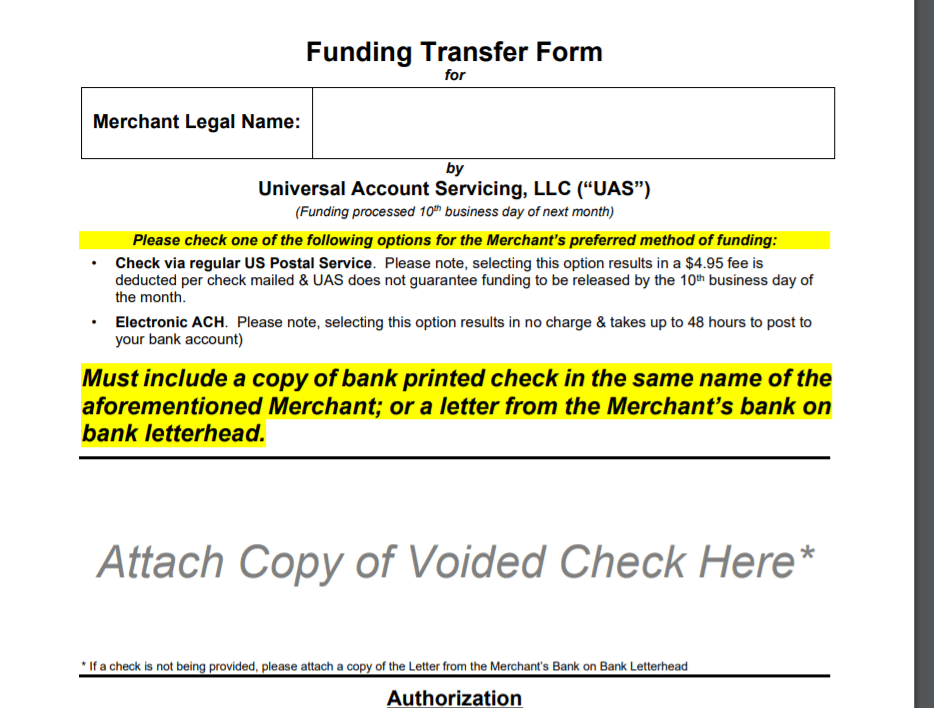
2. Once Usupport receive your email. Usupport will respond to your email with a new funding form. Like the one Provided below
3. Please fill out the funding form
4. Provide a Blank Check
**Funding Form Process Time**
Billing Funding 10th business day of the next month
 #### Submitting case to Usupport
1. Login to the Uportal 360
2. Using your Login information
3. Click on the Tab called Support
#### Submitting case to Usupport
1. Login to the Uportal 360
2. Using your Login information
3. Click on the Tab called Support
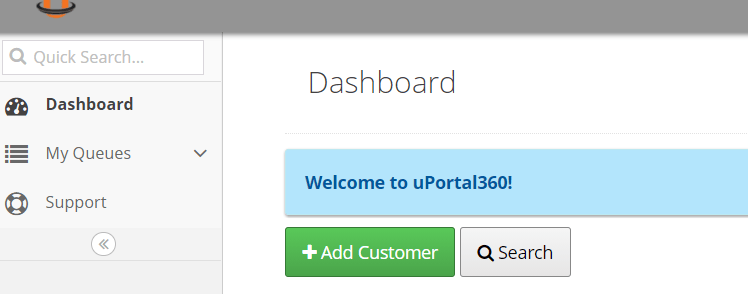 4. Click on submit case
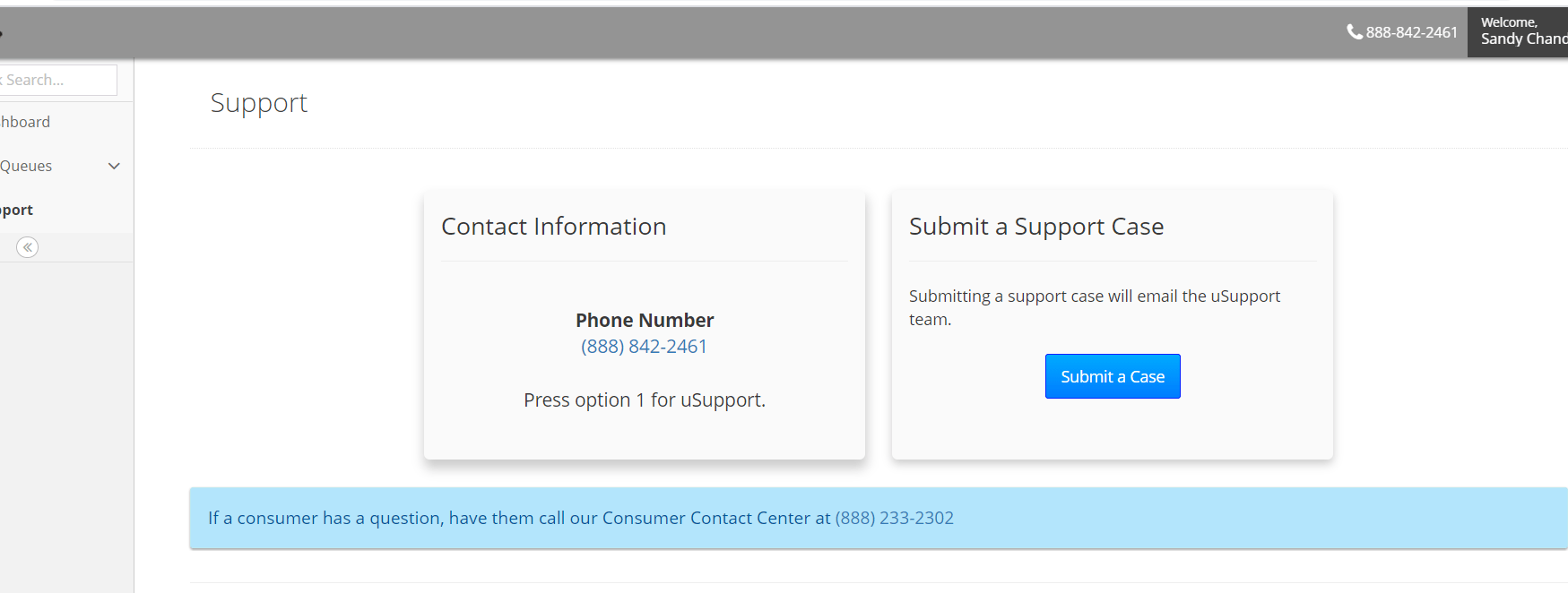 5\. Submit case requesting a new funding form like the screen shot provided below
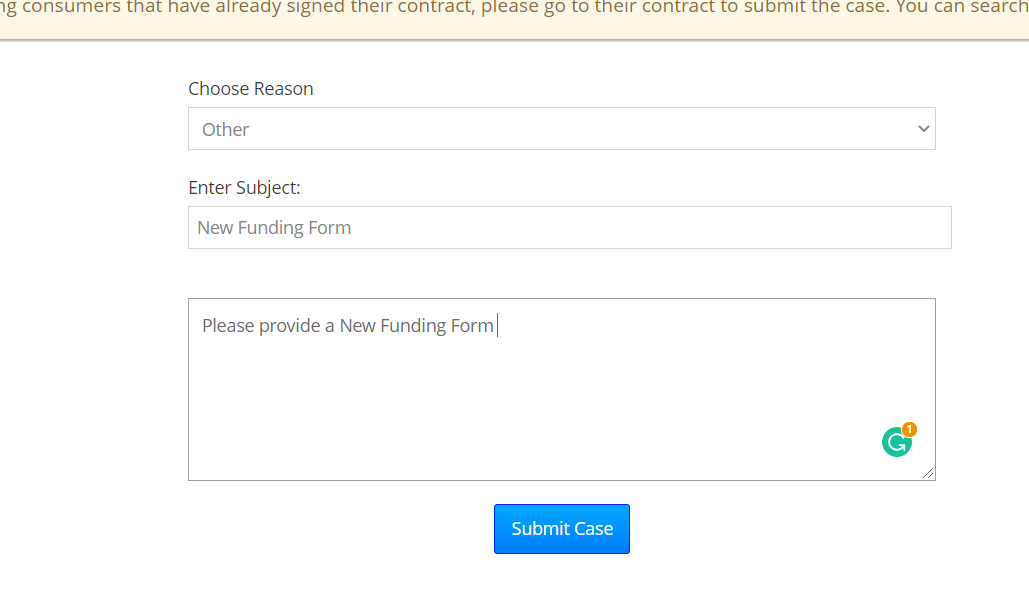 6\. Click submit ( Case can take 24 to 48 hours to be completed)
7\. Usupport will email a Funding Form you will need to complete and send back
6\. Click submit ( Case can take 24 to 48 hours to be completed)
7\. Usupport will email a Funding Form you will need to complete and send back