> ## Documentation Index
> Fetch the complete documentation index at: https://knowledge.uportal360.com/llms.txt
> Use this file to discover all available pages before exploring further.
# Short Application - Consumer Journey
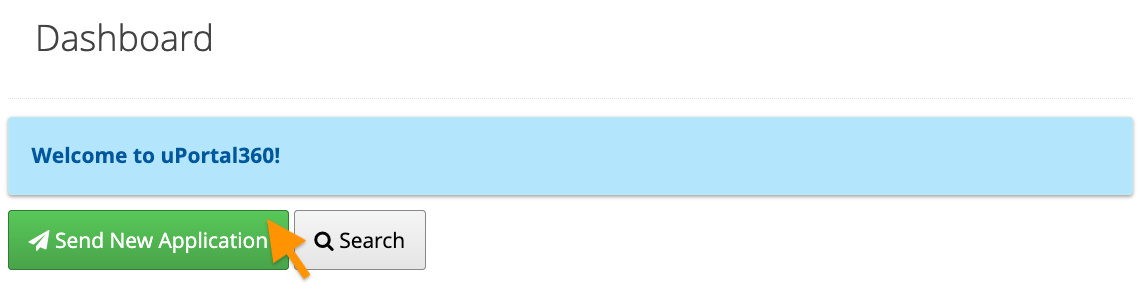
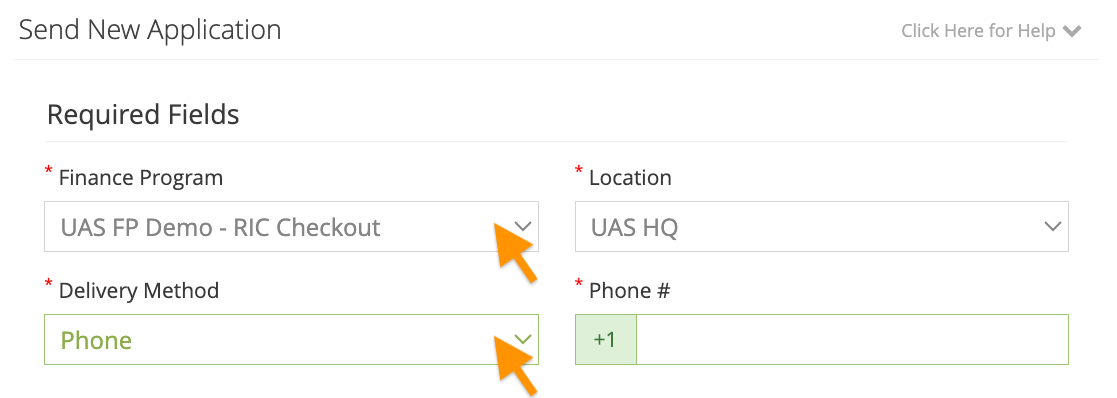
The following guide covers the Short Application experience. This interface is designed for mobile, tablet, or desktop devices of any size. The screenshots in this guide highlight the mobile experience to show how easy this is for your customers to complete right from their phone.
## Send An Application
### Consumer Scans the QR Code or Uses the Application Link
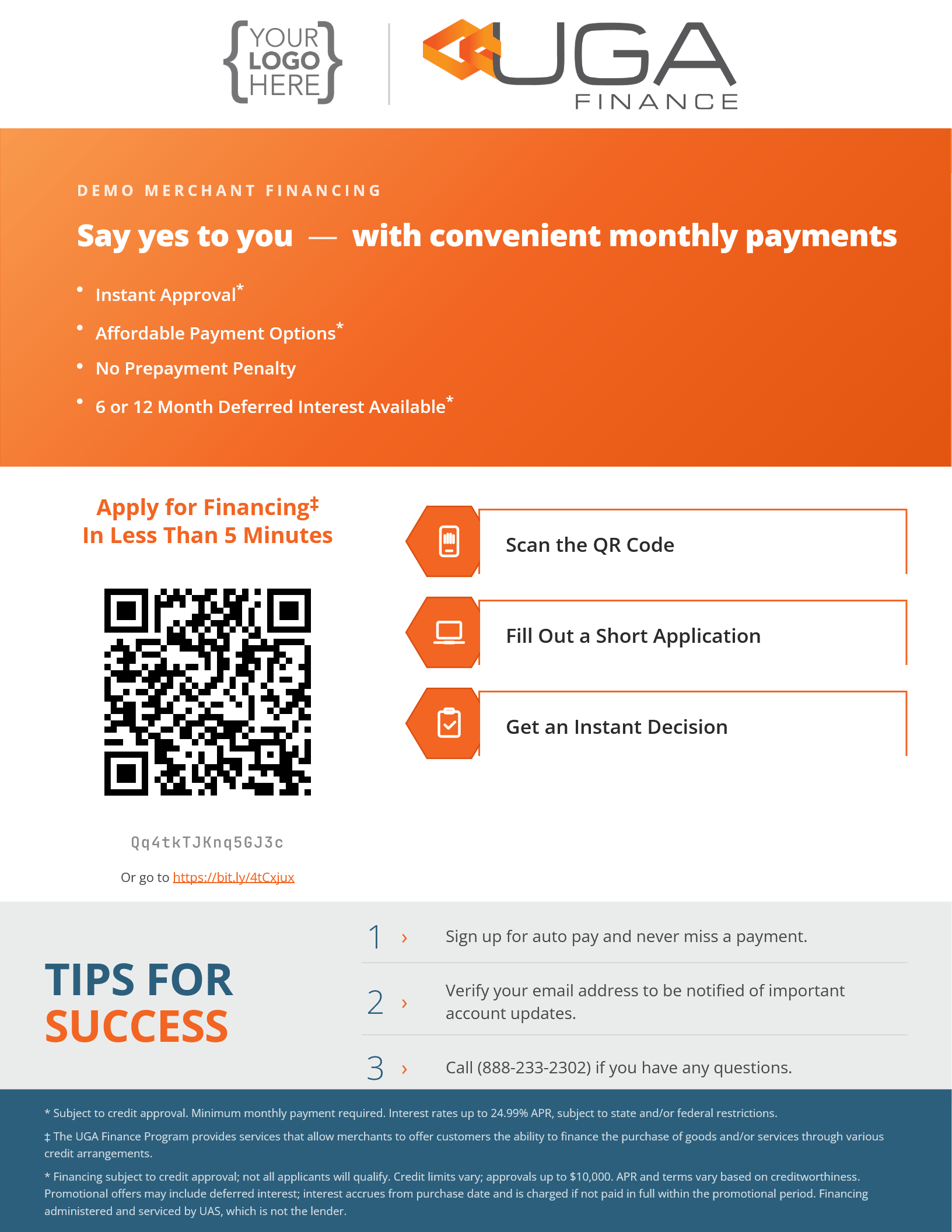
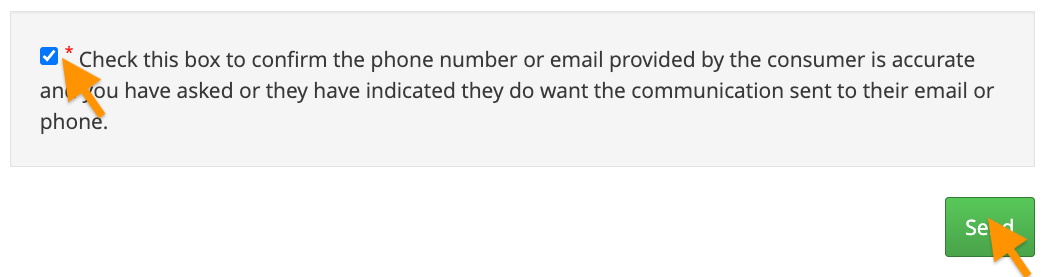
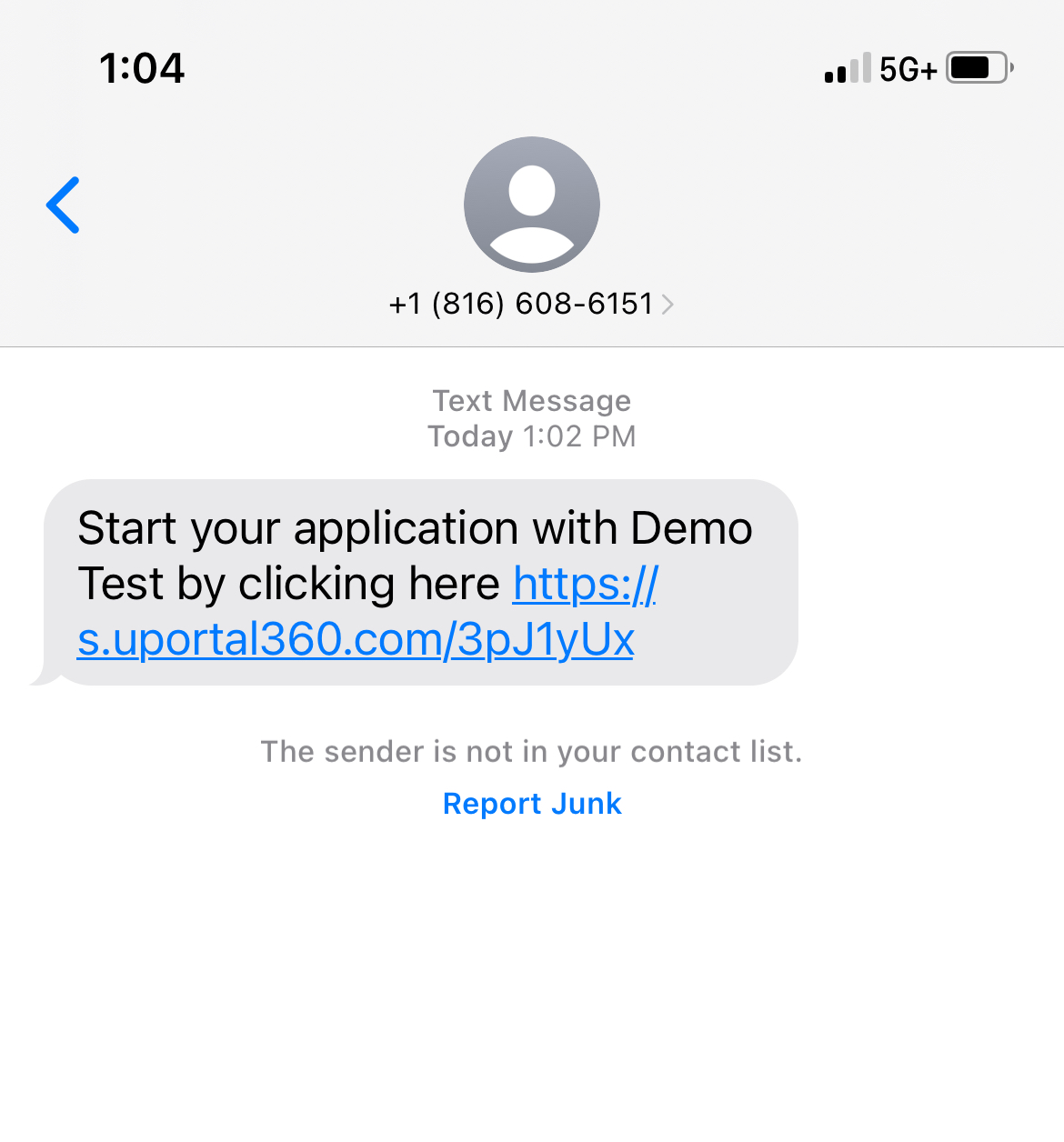
Short app link could be shared to consumer directly or QR code could be scanned to access the application
 ***
## Consumer Steps
### 1. Landing Page & Disclosures
This is the landing page for a Consumer Application which include details related to your program and offers. We disclose terms and conditions and make sure the consumer agrees that they are applying for credit upfront, which keeps your business compliant with Dodd-Frank and GLBA (Gramm-Leach-Bliley Act). Your logo is displayed at the top of the disclosure so that your customers will know that they are applying for financing with your business.
Consumers agree to the following:
* **Terms & Conditions:** They will be reading this on their behalf
* **Privacy Policy:** UAS does not share their information, & only uses it for credit purposes
* **ESIGN Consent Act:** They must consent to the use of Electronic Communication
* Consent to Electronic Records, Signatures, Disclosures, and Communications
* This consent allows UAS to send required notices electronically, which is a lot more cost-effective (and more convenient for the consumer).
***
## Consumer Steps
### 1. Landing Page & Disclosures
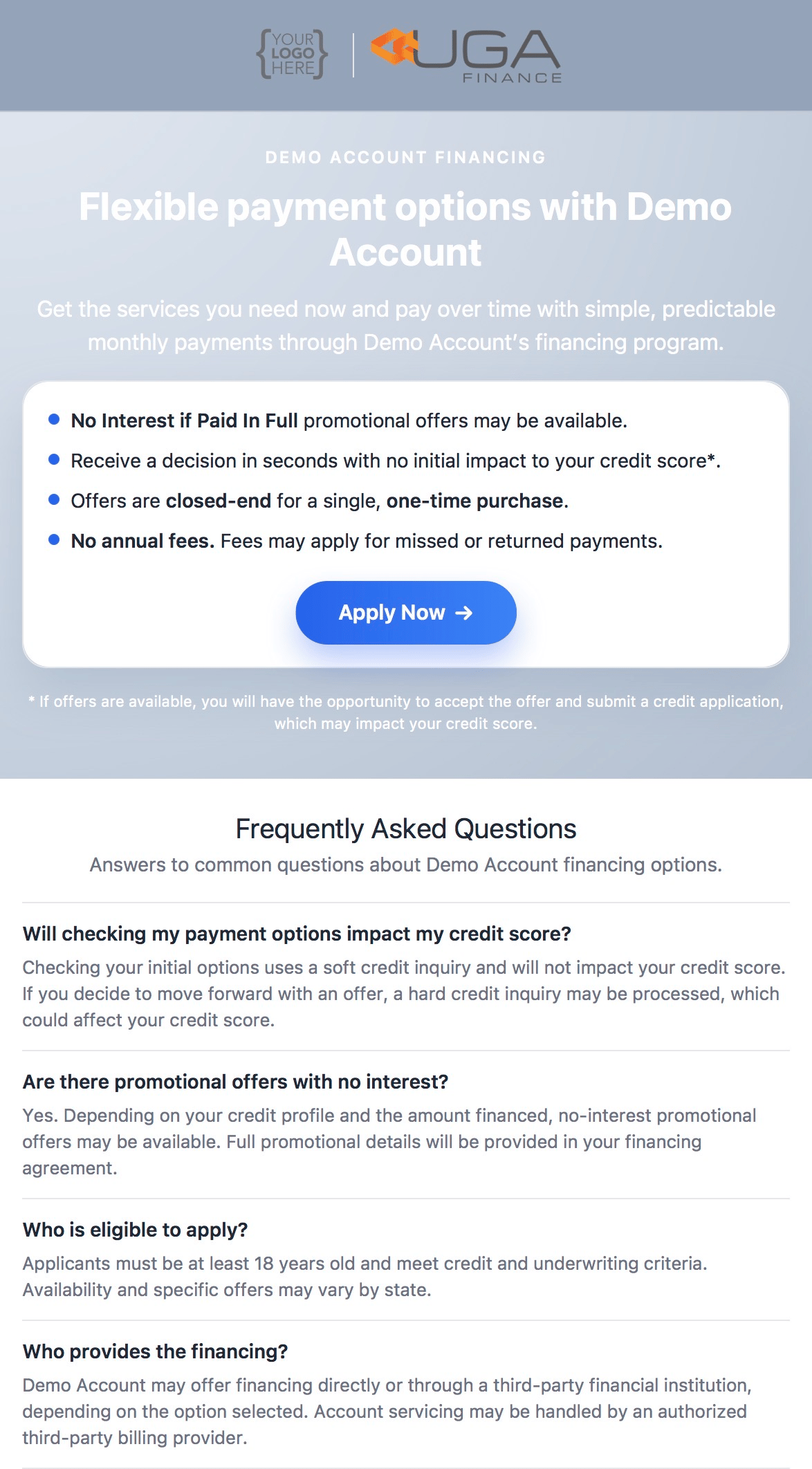
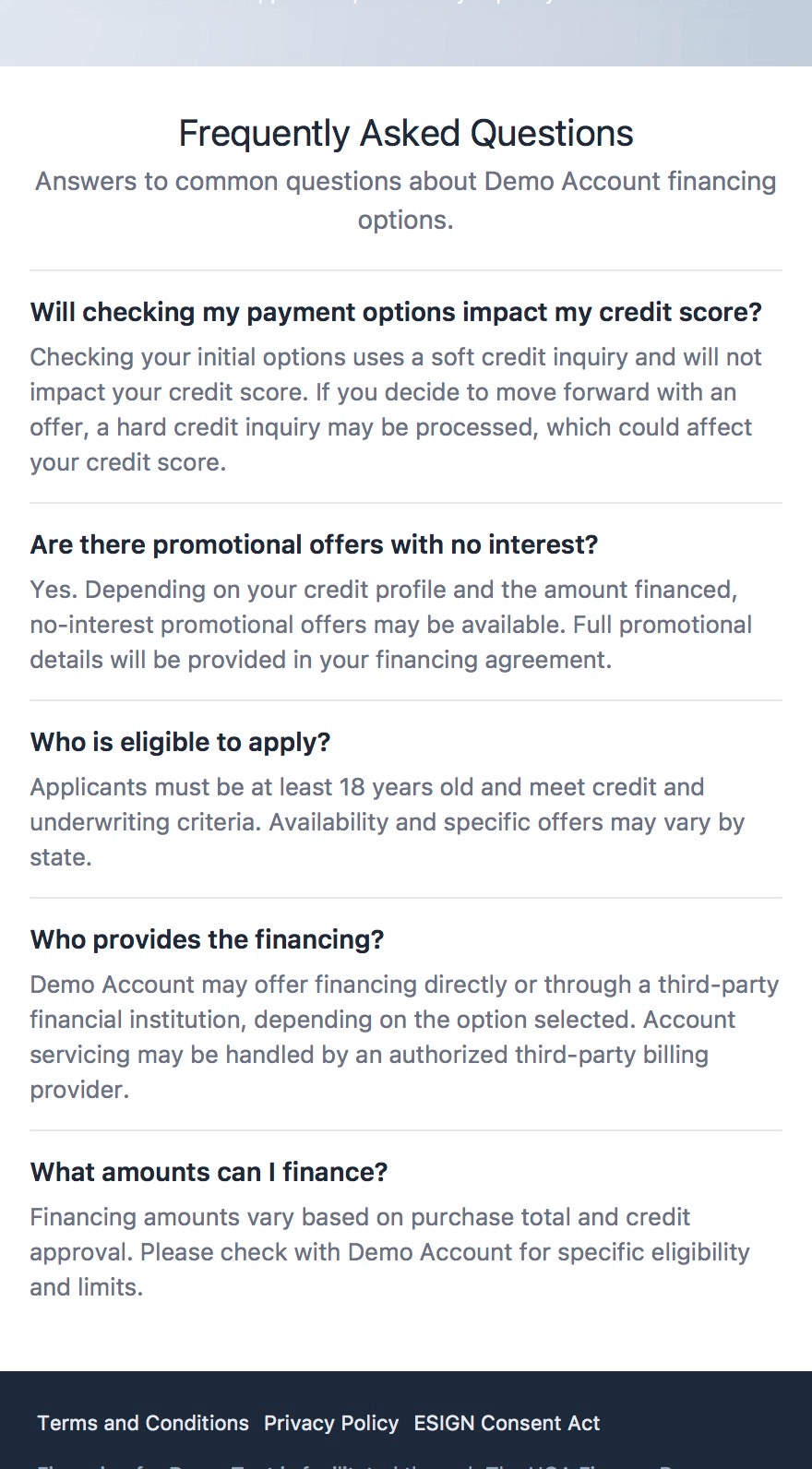
This is the landing page for a Consumer Application which include details related to your program and offers. We disclose terms and conditions and make sure the consumer agrees that they are applying for credit upfront, which keeps your business compliant with Dodd-Frank and GLBA (Gramm-Leach-Bliley Act). Your logo is displayed at the top of the disclosure so that your customers will know that they are applying for financing with your business.
Consumers agree to the following:
* **Terms & Conditions:** They will be reading this on their behalf
* **Privacy Policy:** UAS does not share their information, & only uses it for credit purposes
* **ESIGN Consent Act:** They must consent to the use of Electronic Communication
* Consent to Electronic Records, Signatures, Disclosures, and Communications
* This consent allows UAS to send required notices electronically, which is a lot more cost-effective (and more convenient for the consumer).
 ***
### 2. Application
The following application screens collect information one piece at a time, making it simple and smooth to collect information on mobile devices.
*Kindly be aware that the method employed for receiving the application, whether it is via phone or email, shall remain unchanged once the application process commences without the assistance of our support team.*
***
### 2. Application
The following application screens collect information one piece at a time, making it simple and smooth to collect information on mobile devices.
*Kindly be aware that the method employed for receiving the application, whether it is via phone or email, shall remain unchanged once the application process commences without the assistance of our support team.*
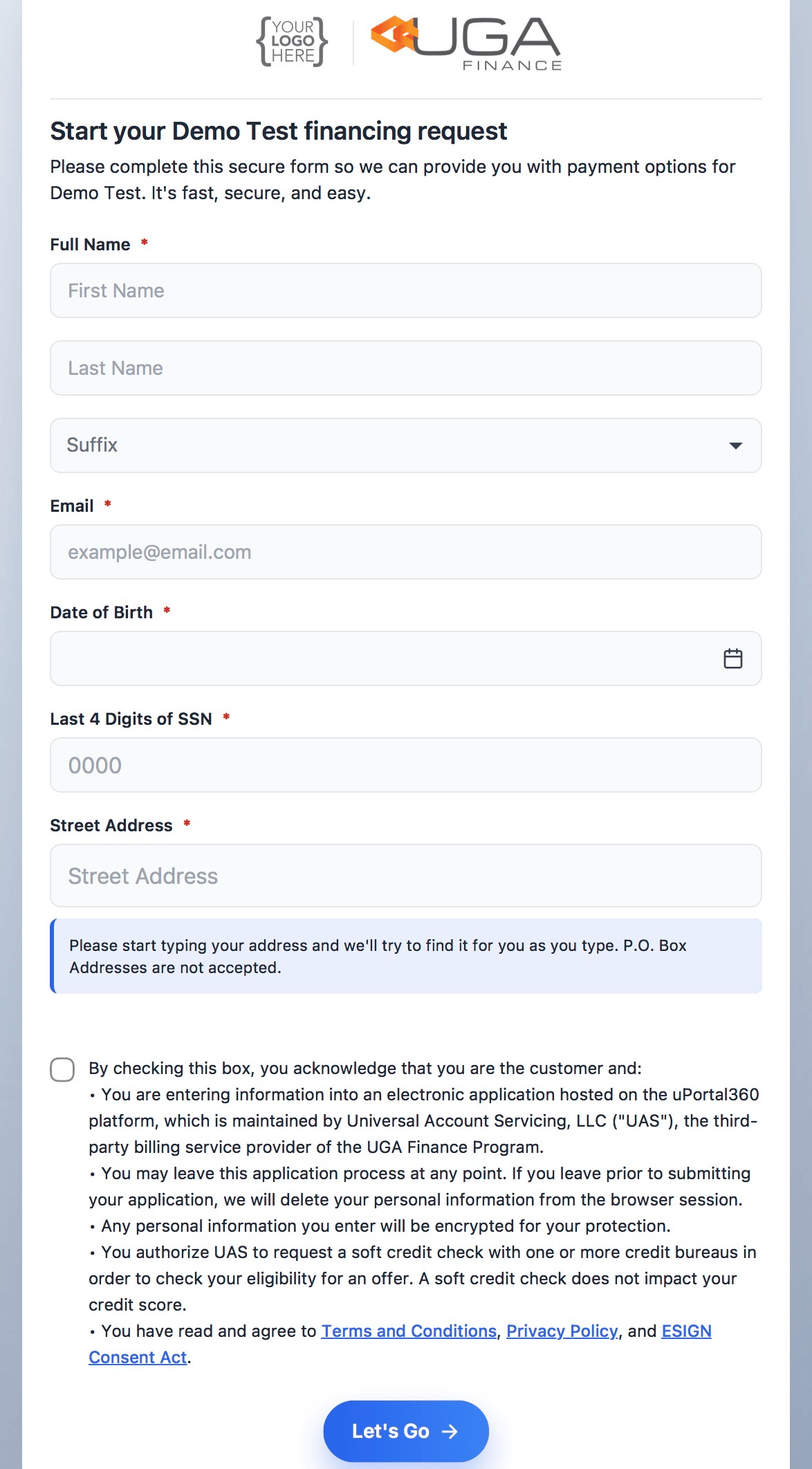
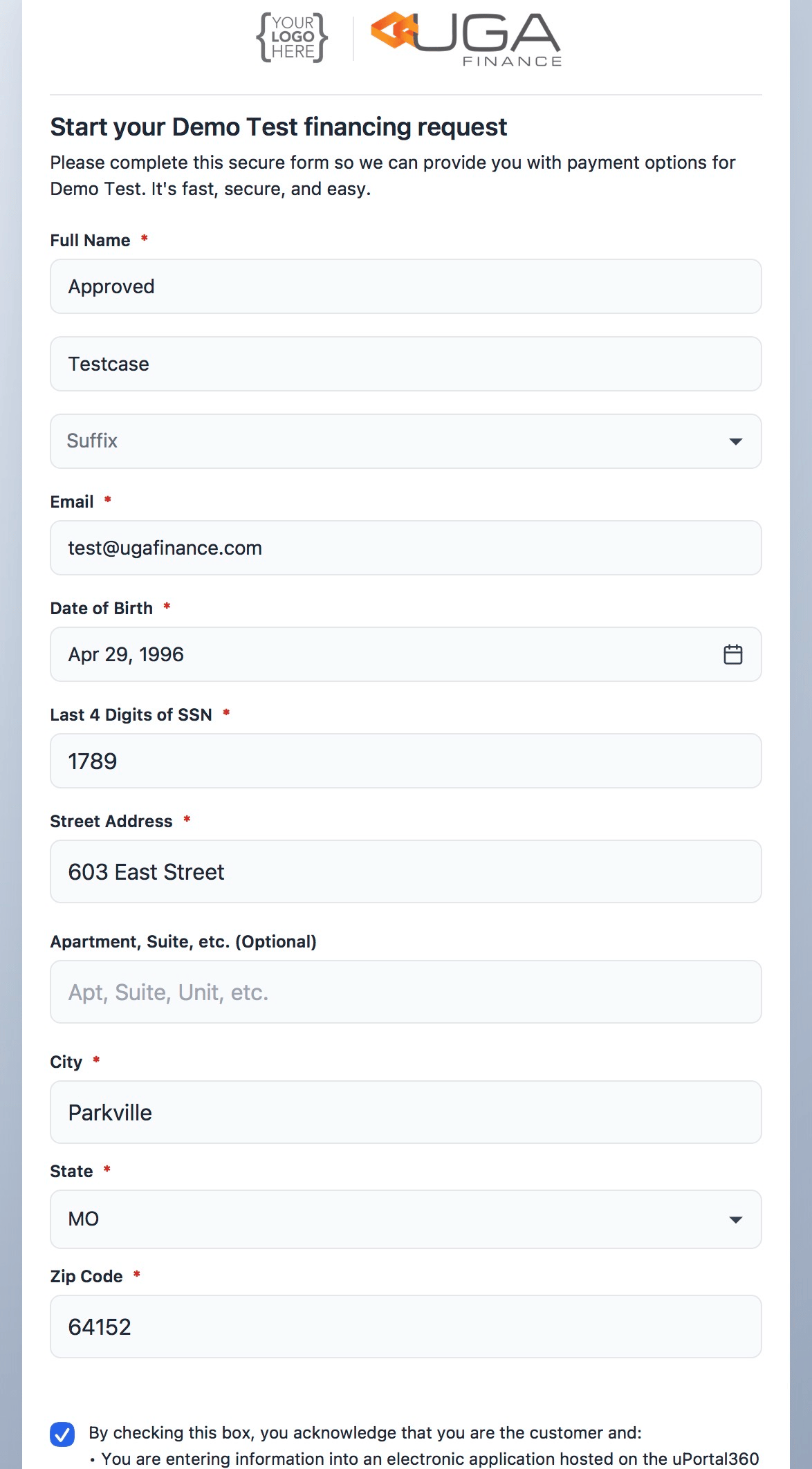 Once your consumer completes entering their application information. Once the application is deemed complete, they will be given the opportunity to review and verify the accuracy of all the provided information. If everything is correct, they will proceed to review and accept the Terms & Conditions before clicking the "Let’s Go" button to submit their application for consideration.
***
### 3. Offers
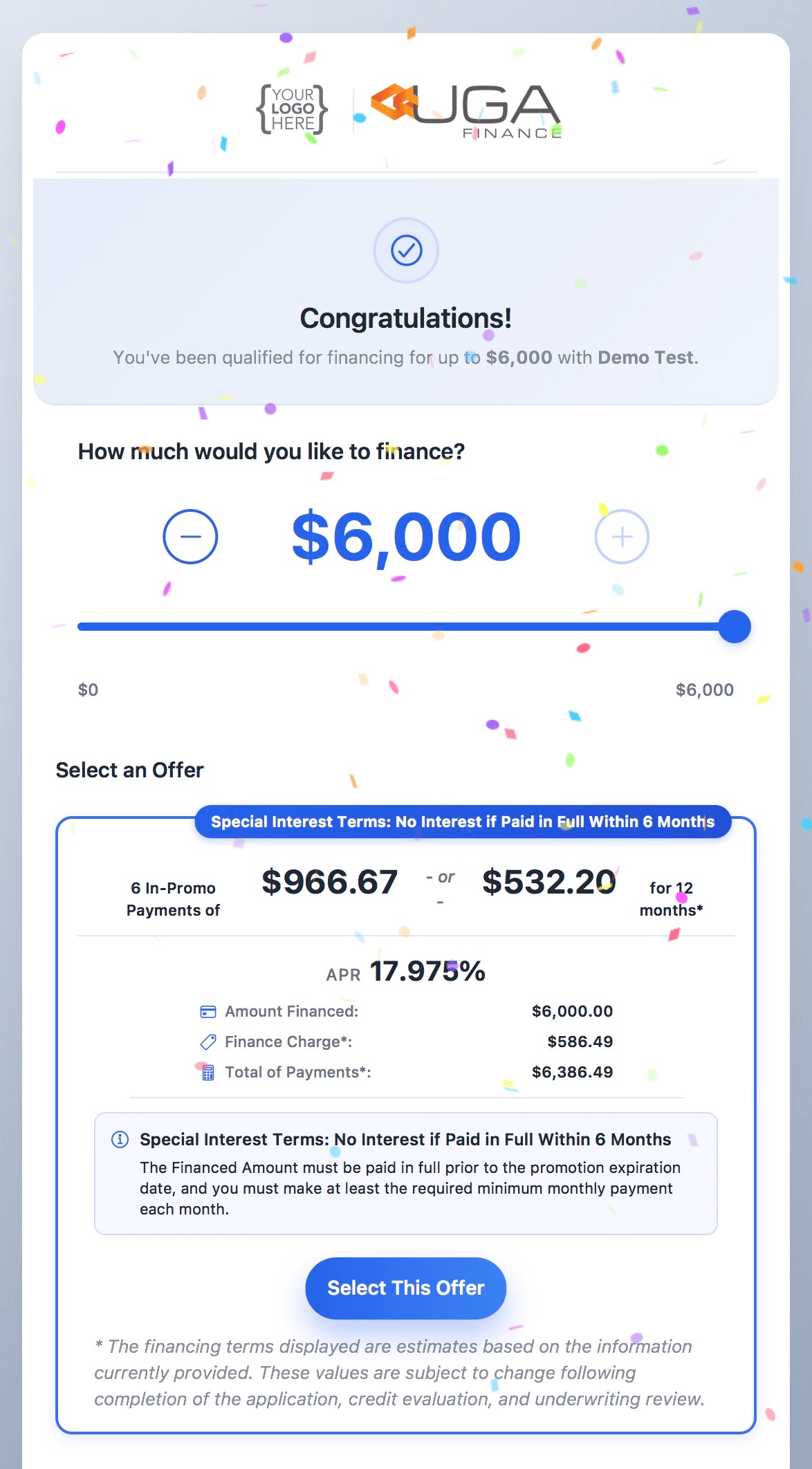
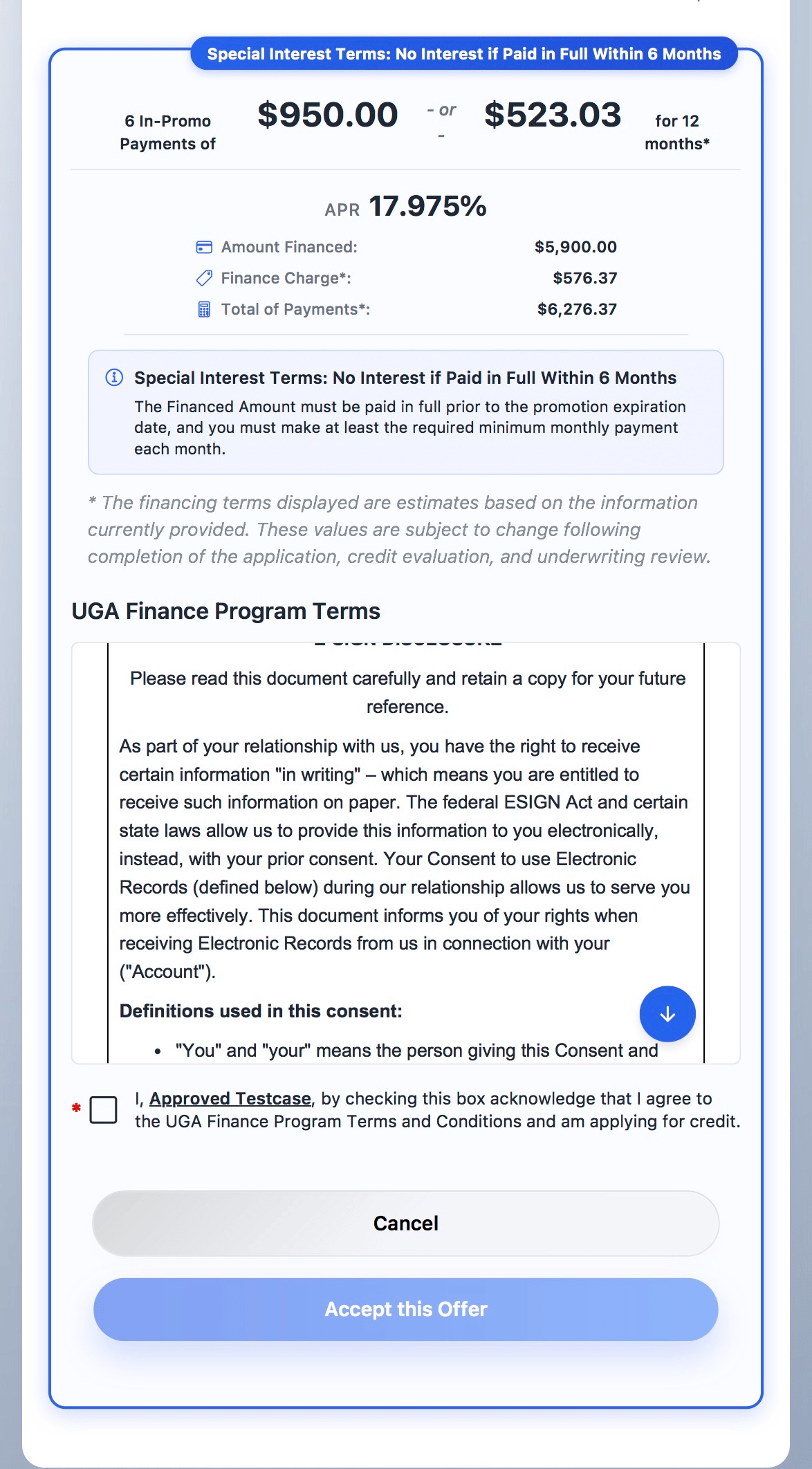
Once your consumer completes entering their application information. Once the application is deemed complete, they will be given the opportunity to review and verify the accuracy of all the provided information. If everything is correct, they will proceed to review and accept the Terms & Conditions before clicking the "Let’s Go" button to submit their application for consideration.
***
### 3. Offers
 ***
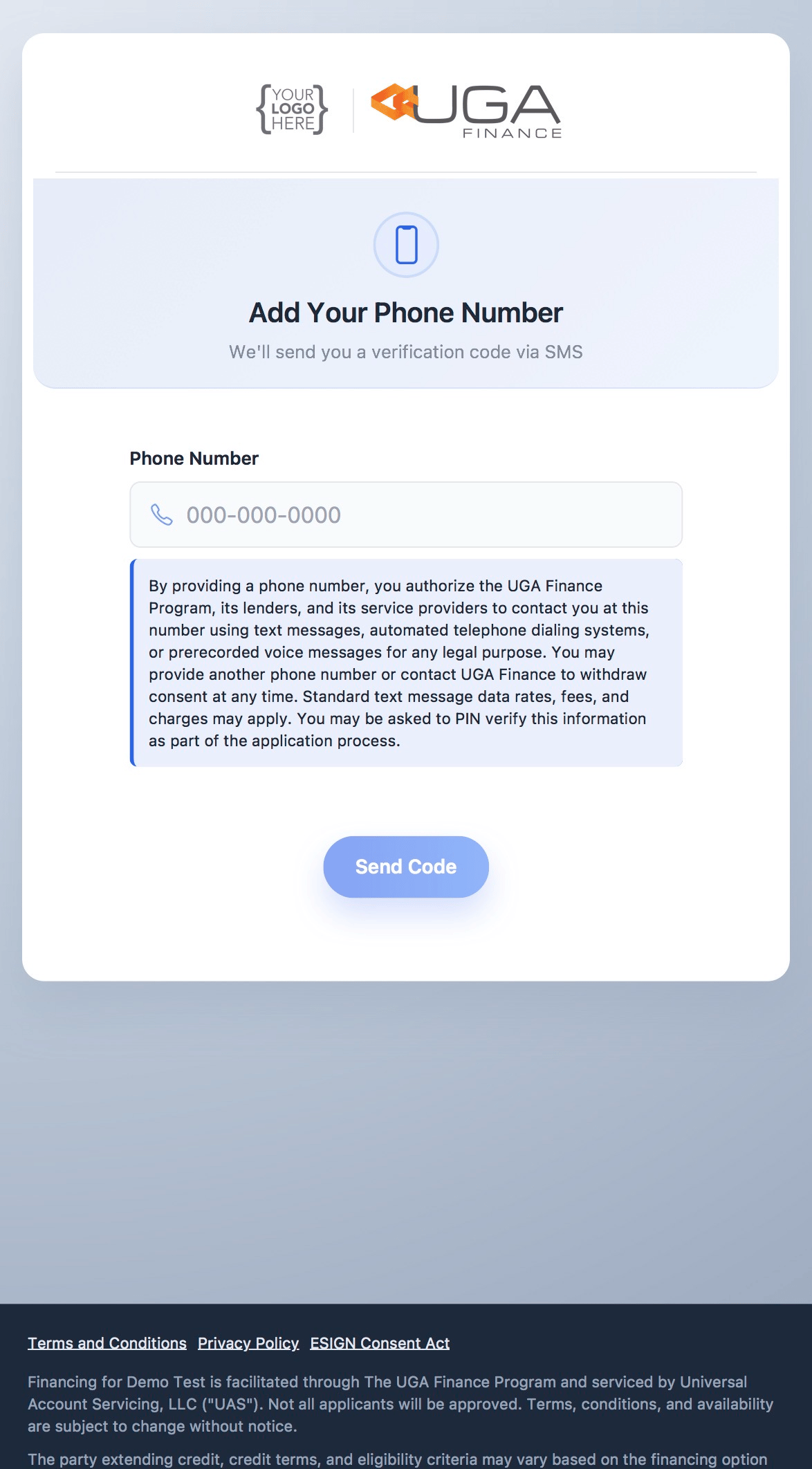
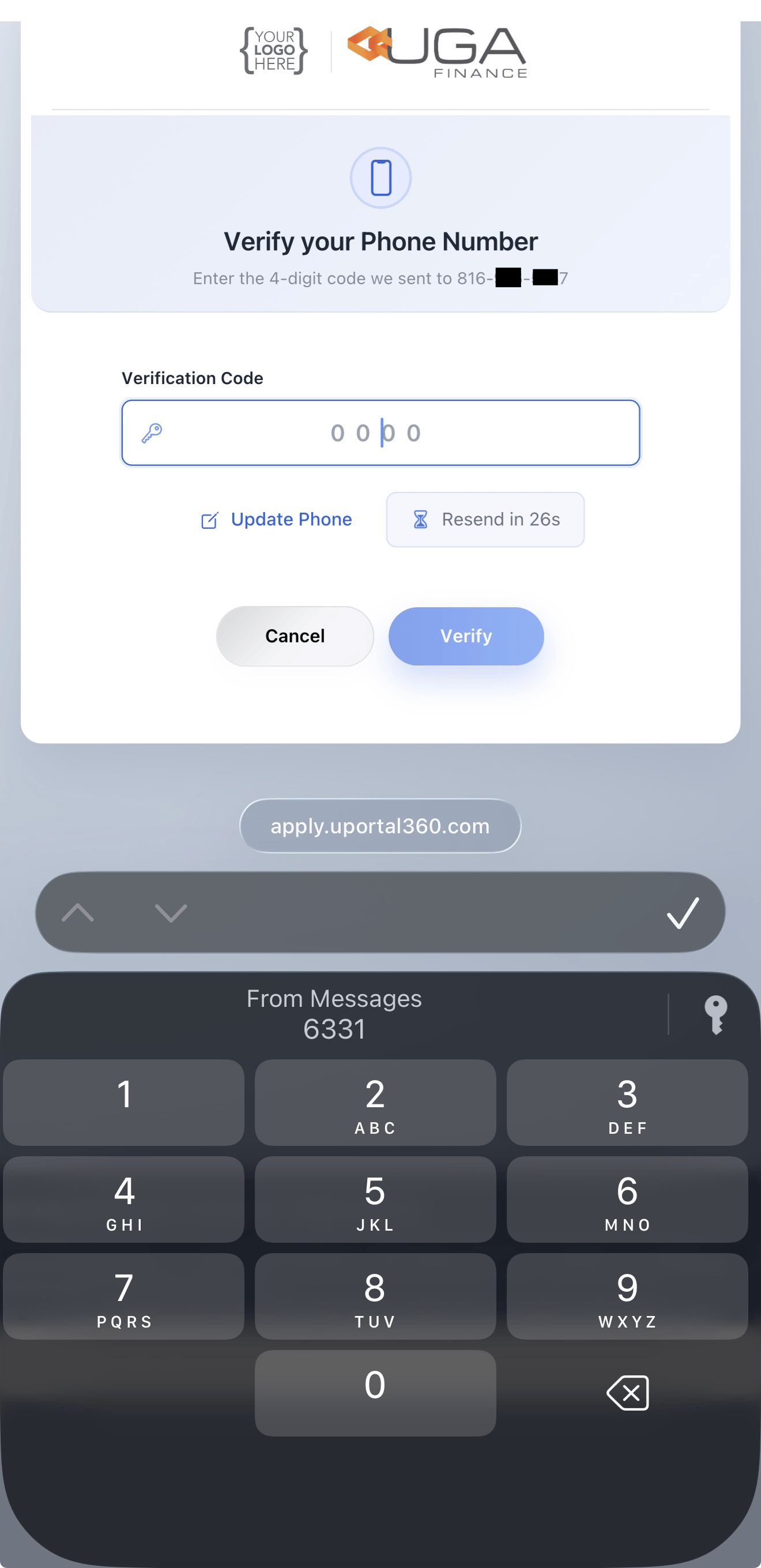
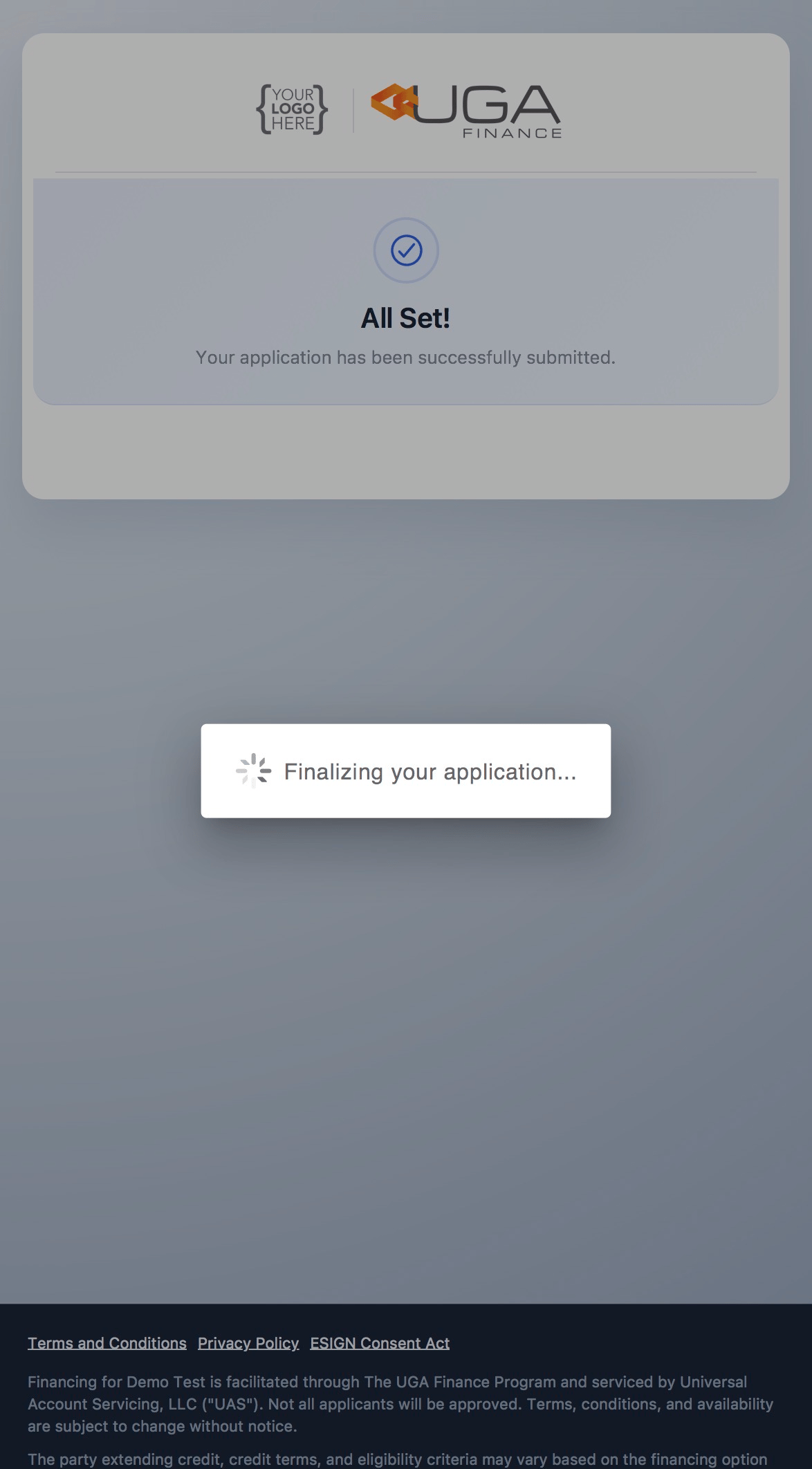
### 4. Phone Verification
***
### 4. Phone Verification
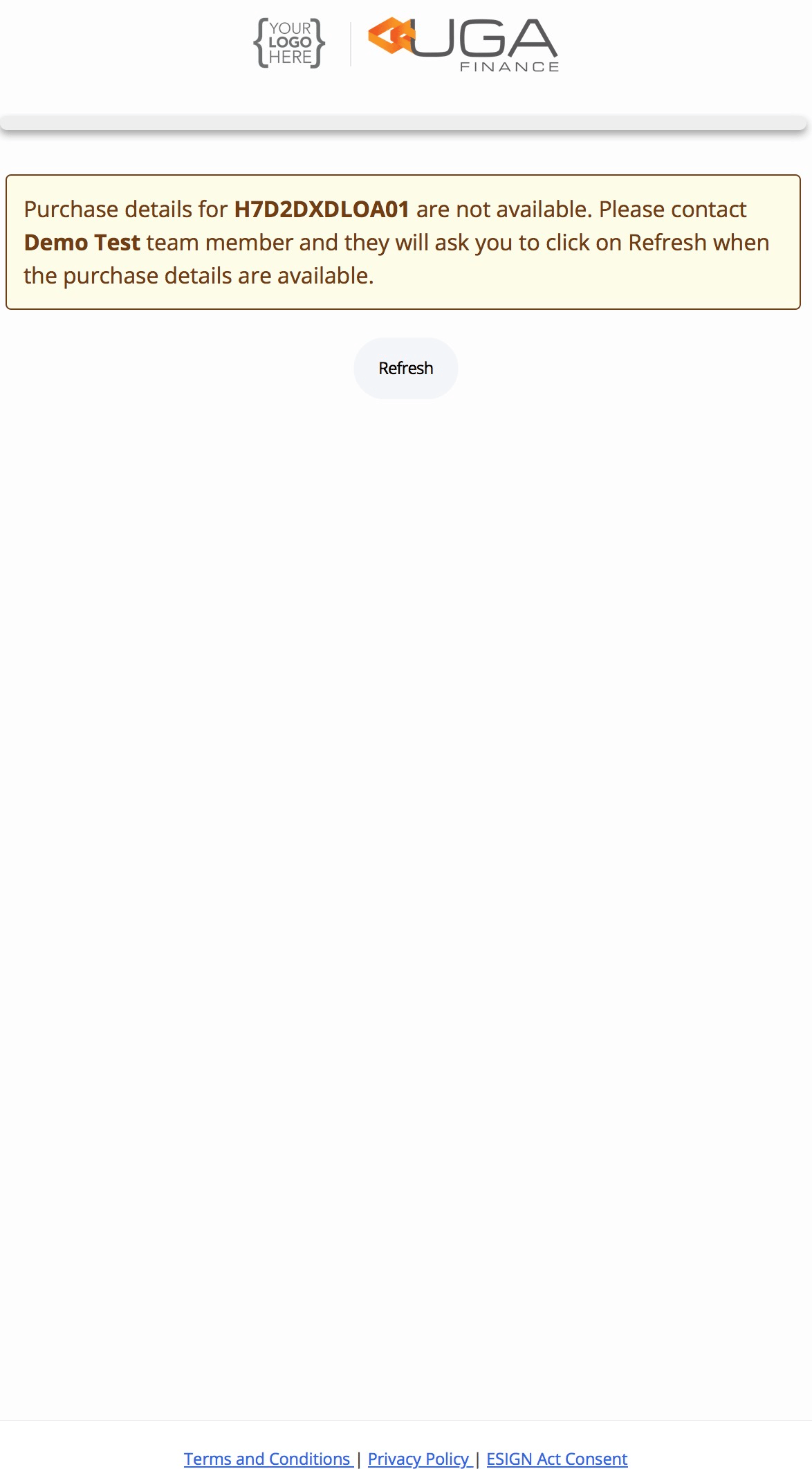 ***
### 5. Post Approval Steps
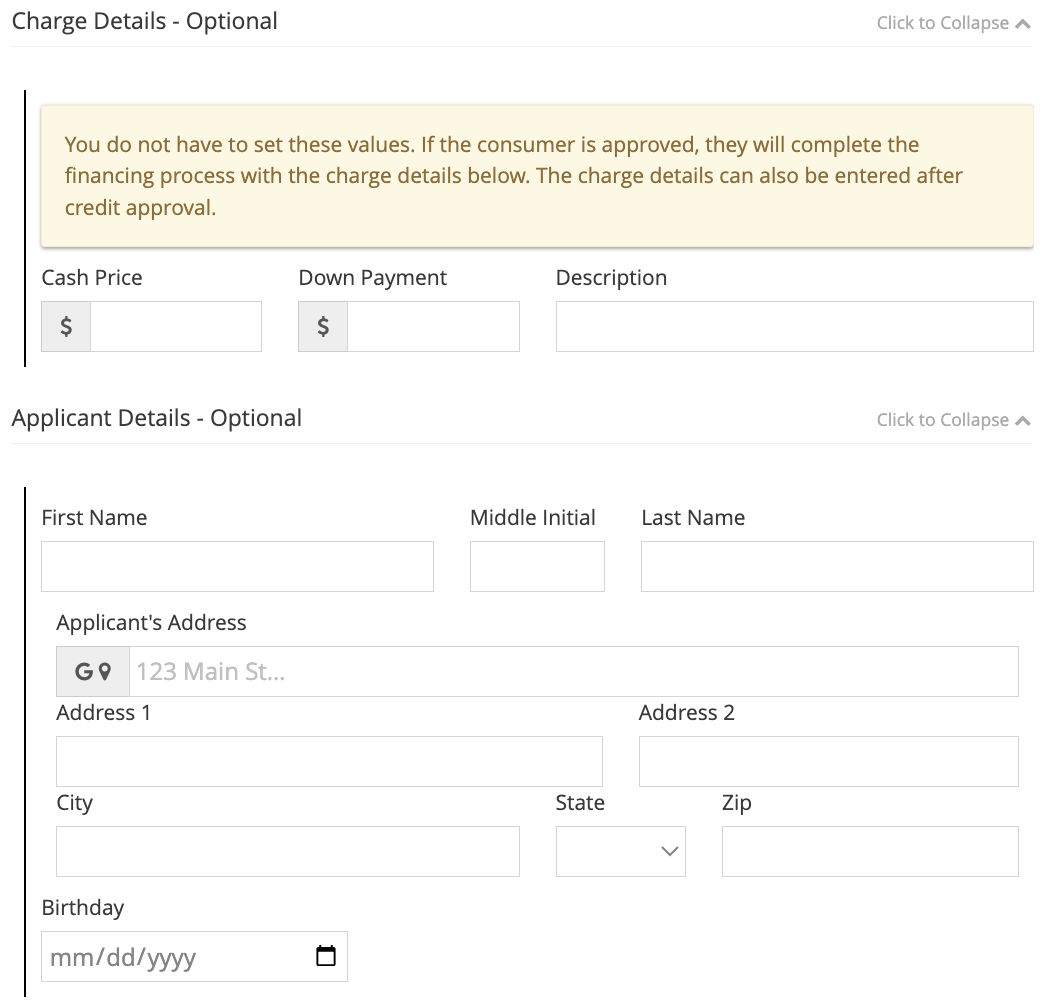
The next steps includes merchants to input the charge details. Once those financing details are updated on the portal, the consumer will be able to go thru the remaining steps. [Post Approval Steps](/uportal-guide/consumer-application-journey/quick-start-checkout-experience#4-application-approval-1st-payment-date-payment-options)
***
### 5. Post Approval Steps
The next steps includes merchants to input the charge details. Once those financing details are updated on the portal, the consumer will be able to go thru the remaining steps. [Post Approval Steps](/uportal-guide/consumer-application-journey/quick-start-checkout-experience#4-application-approval-1st-payment-date-payment-options)