To Do Queue
Log in to the Uportal
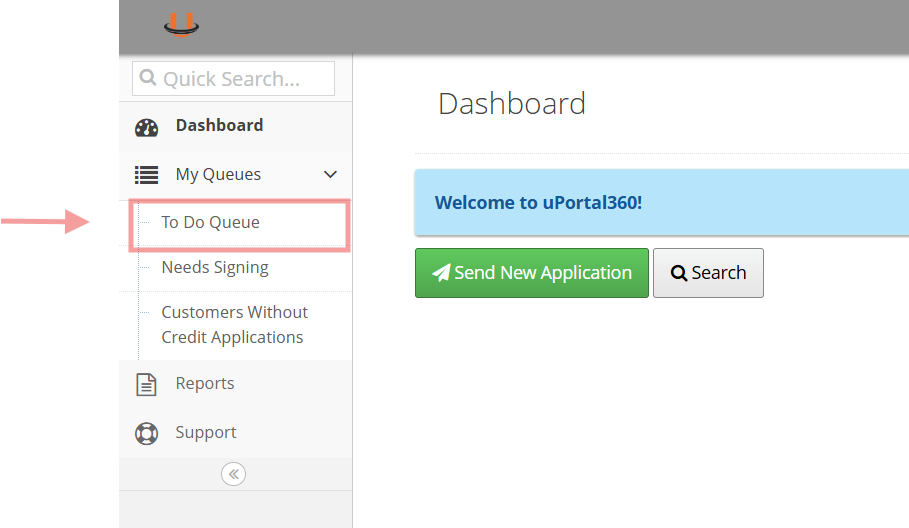
Click To Do Queue
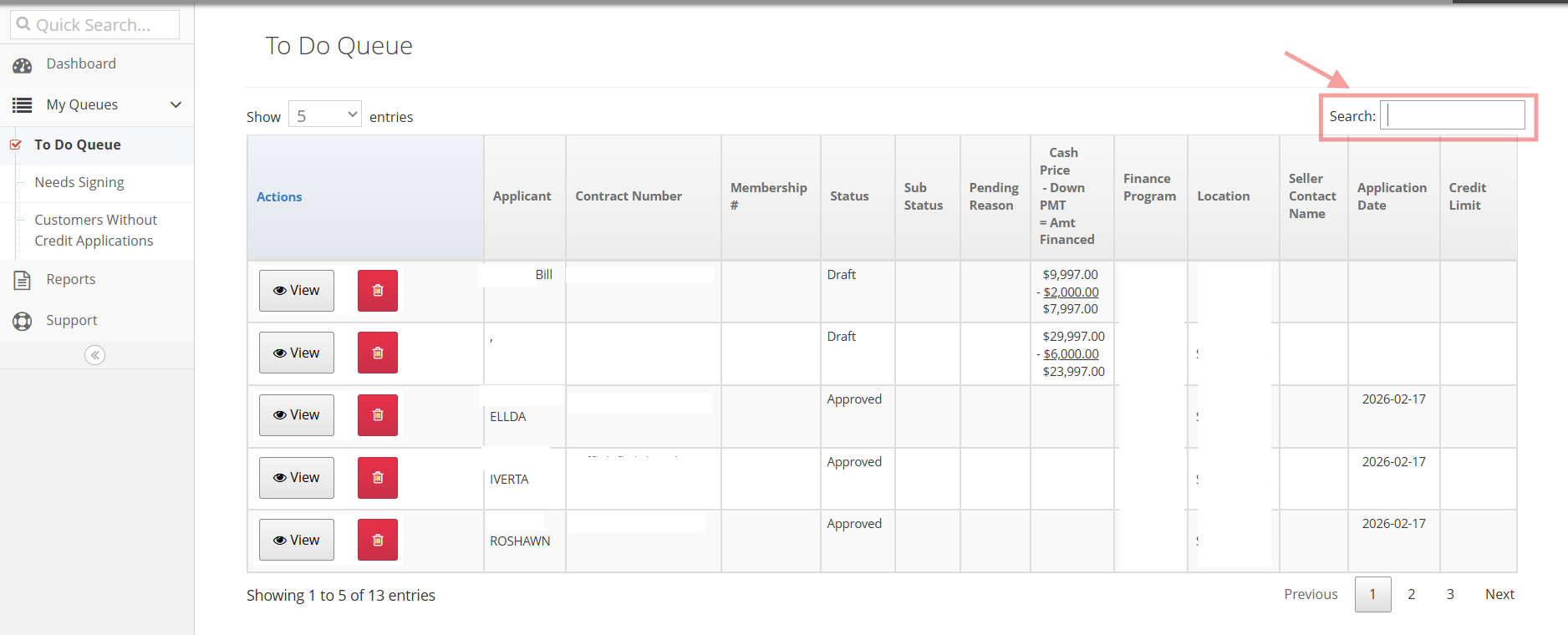
Locate Consumer and Send
Search for the consumers Name/email/application ID
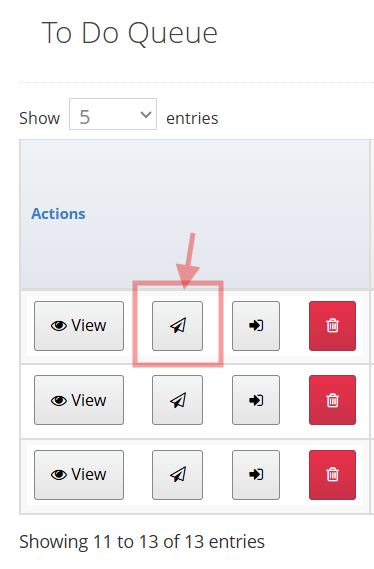
4.Click the Paper Arrow button
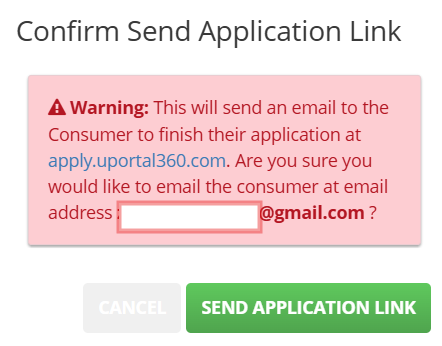
Confirm and click "Send Application Link"
Option #2
Locate Consumer and View
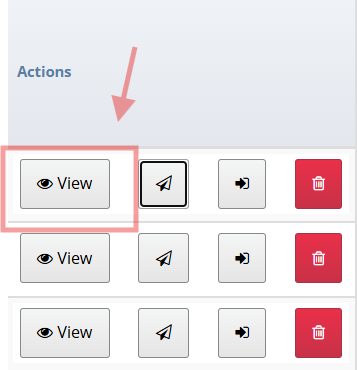
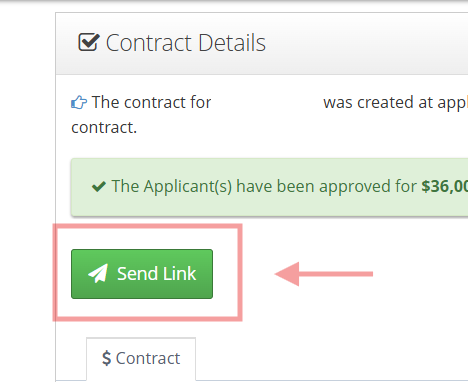
Click Send Link