


The following guide covers the Short Application experience. This interface is designed for mobile, tablet, or desktop devices of any size. The screenshots in this guide highlight the mobile experience to show how easy this is for your customers to complete right from their phone.
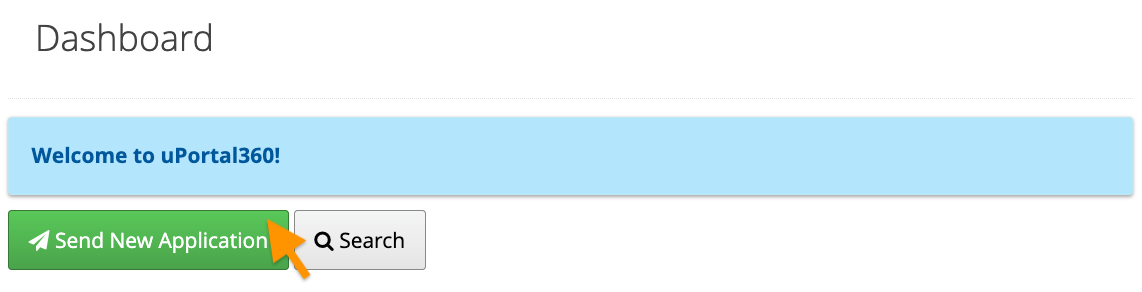
Send An Application
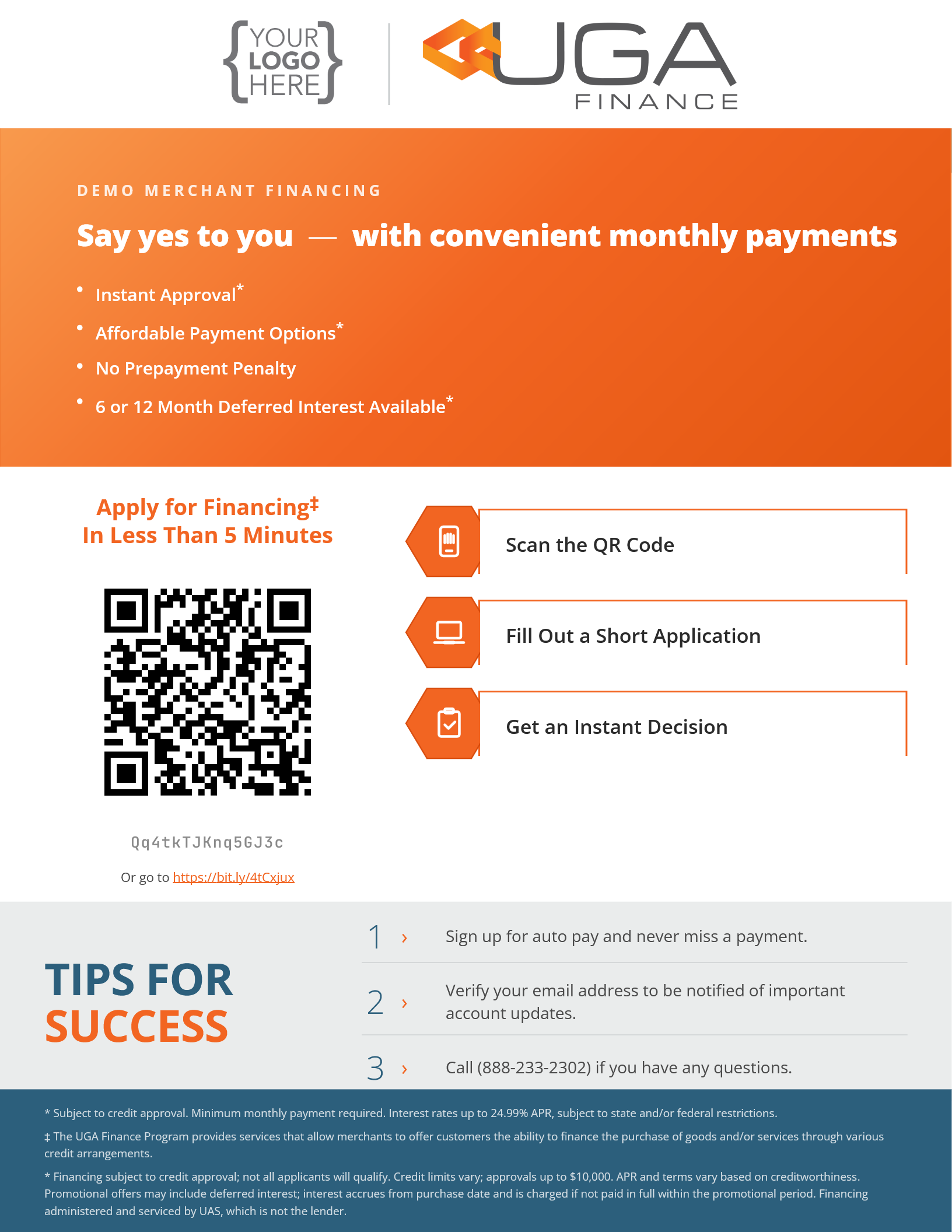
Consumer Scans the QR Code or Uses the Application Link
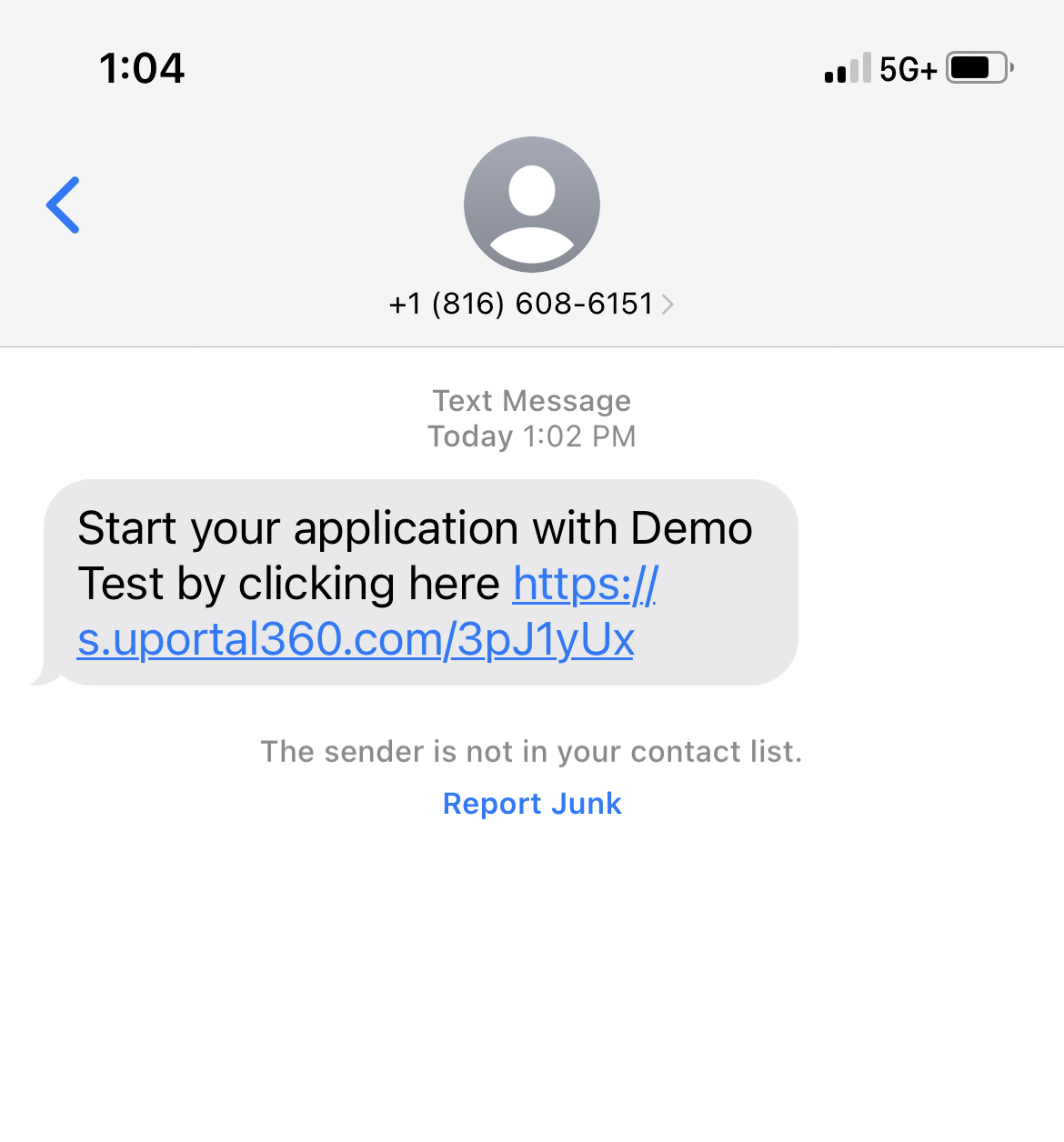
Short app link could be shared to consumer directly or QR code could be scanned to access the application
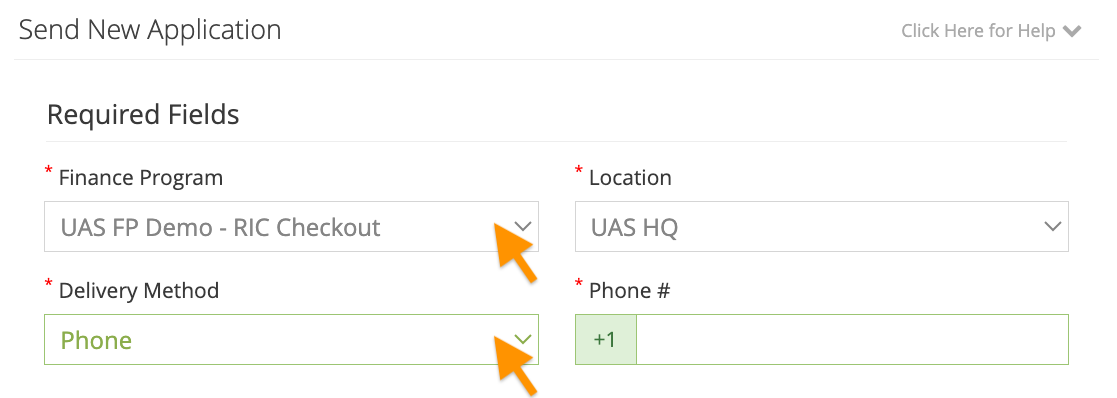
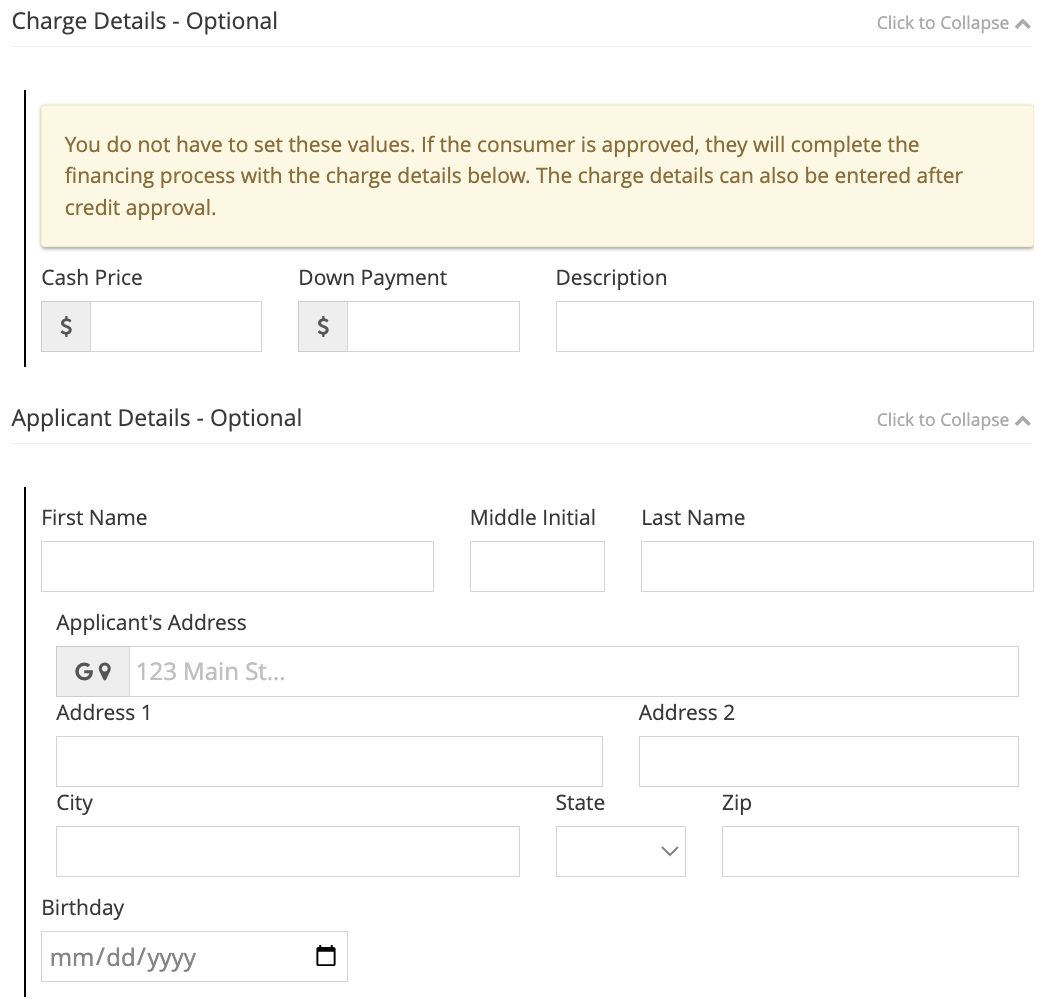
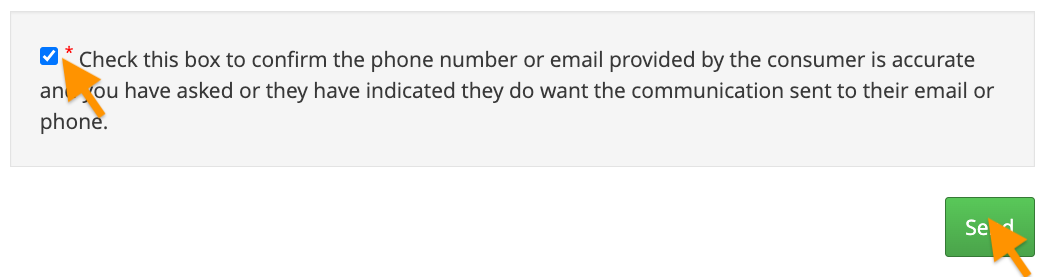
QR Code | Send Application | Select Finance Program | Enter Details (Optional) | Communication Consent | Application Link Text |
|---|---|---|---|---|---|
|
|
|
|
|
|
Consumer Steps
1. Landing Page
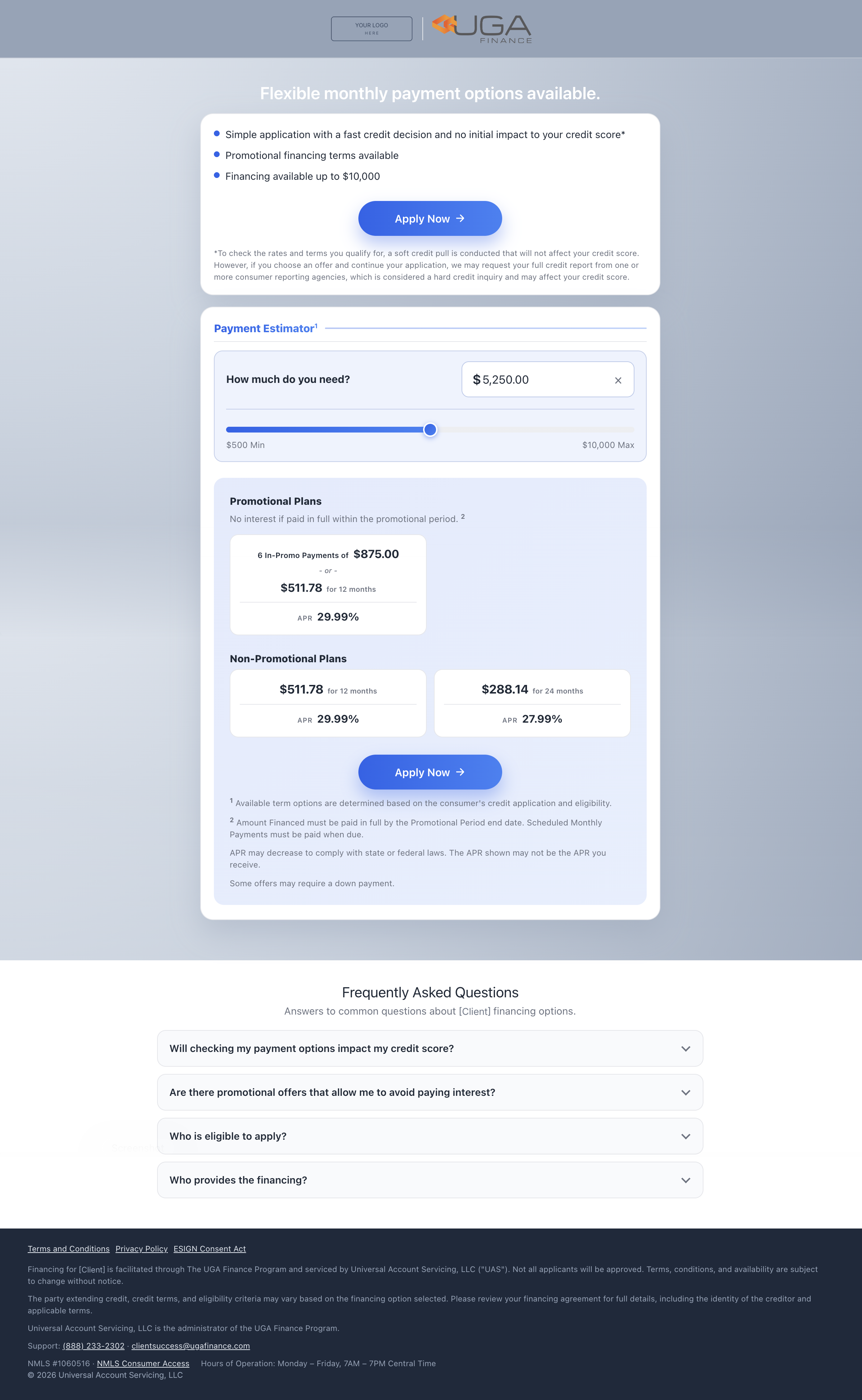
This is the landing page for our Consumer Application interface. Your logo is displayed at the top of the disclosure so that your consumers will know this financing is connected to the purchase they're making with your company.
In our first section, we display program highlights related to your program and offers as well as an Apply Now button to navigate directly to the application.
Beneath the program highlights, consumers will see our Payment Estimator. Consumers can easily enter the amount they are financing and instantly see estimated monthly payment options including promotional periods if applicable. "Apply Now" appears above and below the estimator and moves the consumer to Step 2.
Frequently asked questions are conveniently displayed directly beneath our payment estimator to help.
Landing Page |
|---|
|
Disclosures
We disclose terms and conditions and make sure the consumer agrees that they are applying for credit upfront, which keeps your business compliant with Dodd-Frank and GLBA (Gramm-Leach-Bliley Act).
Consumers agree to the following:
Terms & Conditions: They will be reading this on their behalf
Privacy Policy: UAS does not share their information, & only uses it for credit purposes
ESIGN Consent Act: They must consent to the use of Electronic Communication
Consent to Electronic Records, Signatures, Disclosures, and Communications
This consent allows UAS to send required notices electronically, which is a lot more cost-effective (and more convenient for the consumer).
2. Application
The following application screens collect information one piece at a time, making it simple and smooth to collect information on mobile devices.
Kindly be aware that the method employed for receiving the application, whether it is via phone or email, shall remain unchanged once the application process commences without the assistance of our support team.
Application Form | Filled form |
|---|---|
|
|
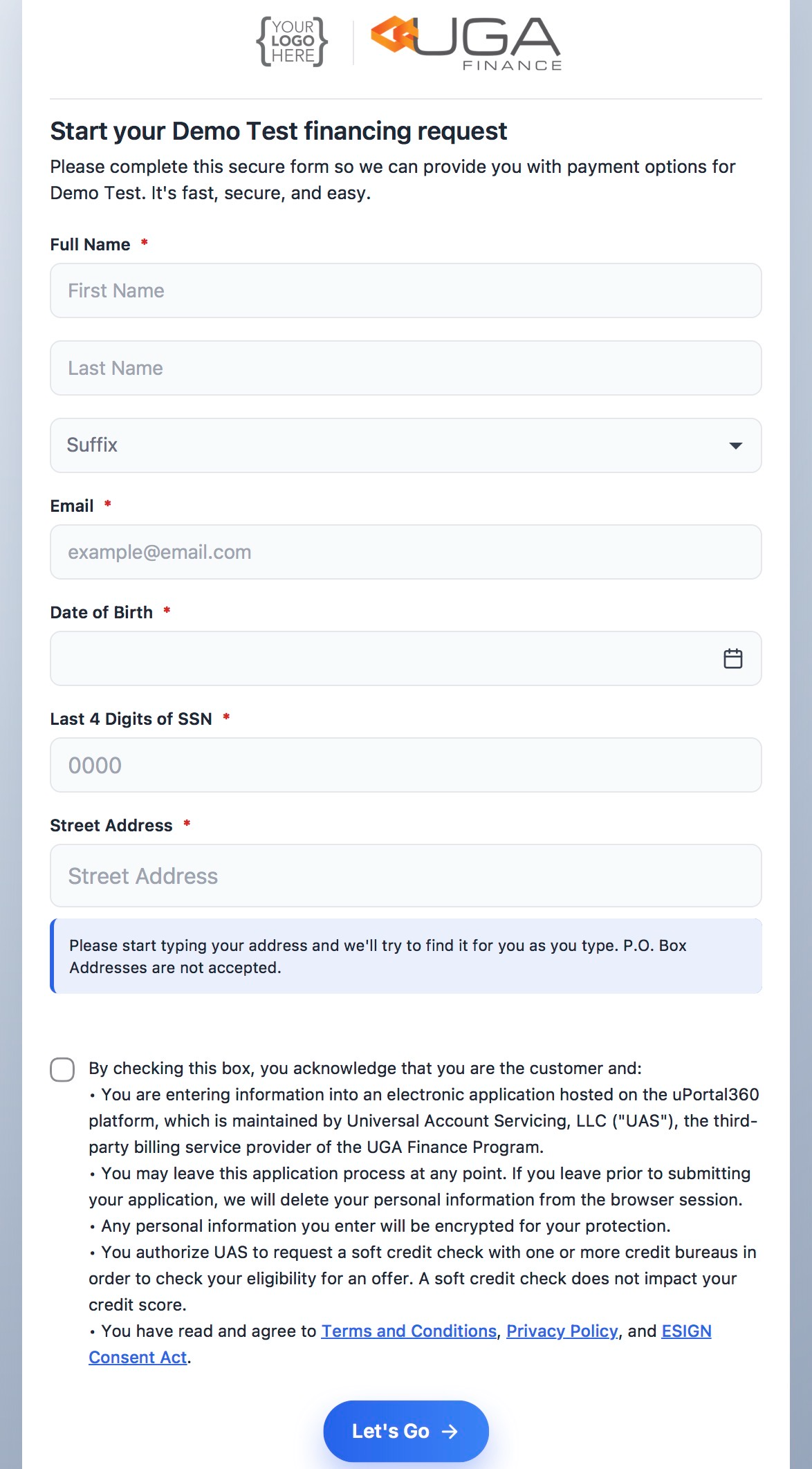
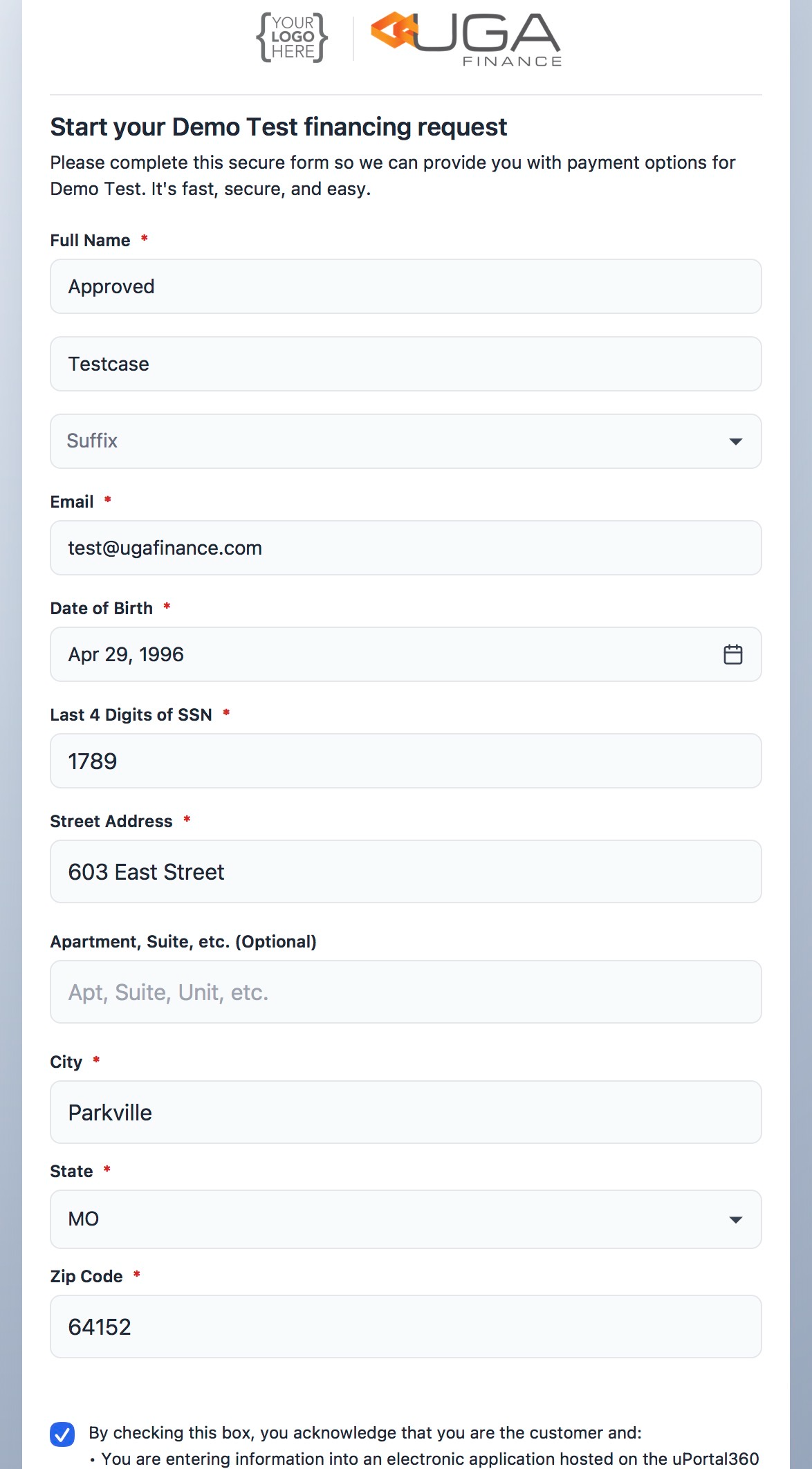
Once your consumer completes entering their application information. Once the application is deemed complete, they will be given the opportunity to review and verify the accuracy of all the provided information. If everything is correct, they will proceed to review and accept the Terms & Conditions before clicking the "Let’s Go" button to submit their application for consideration.
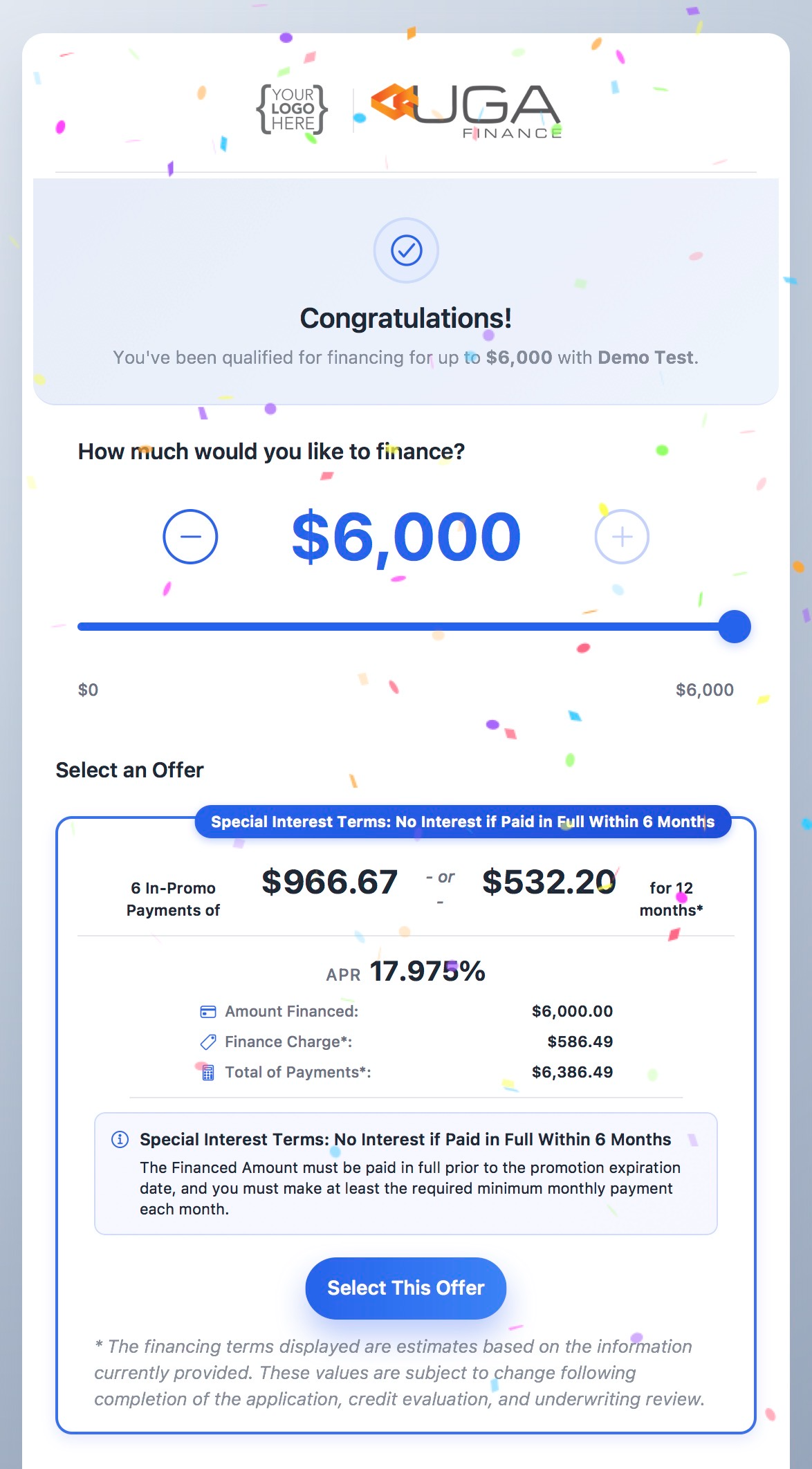
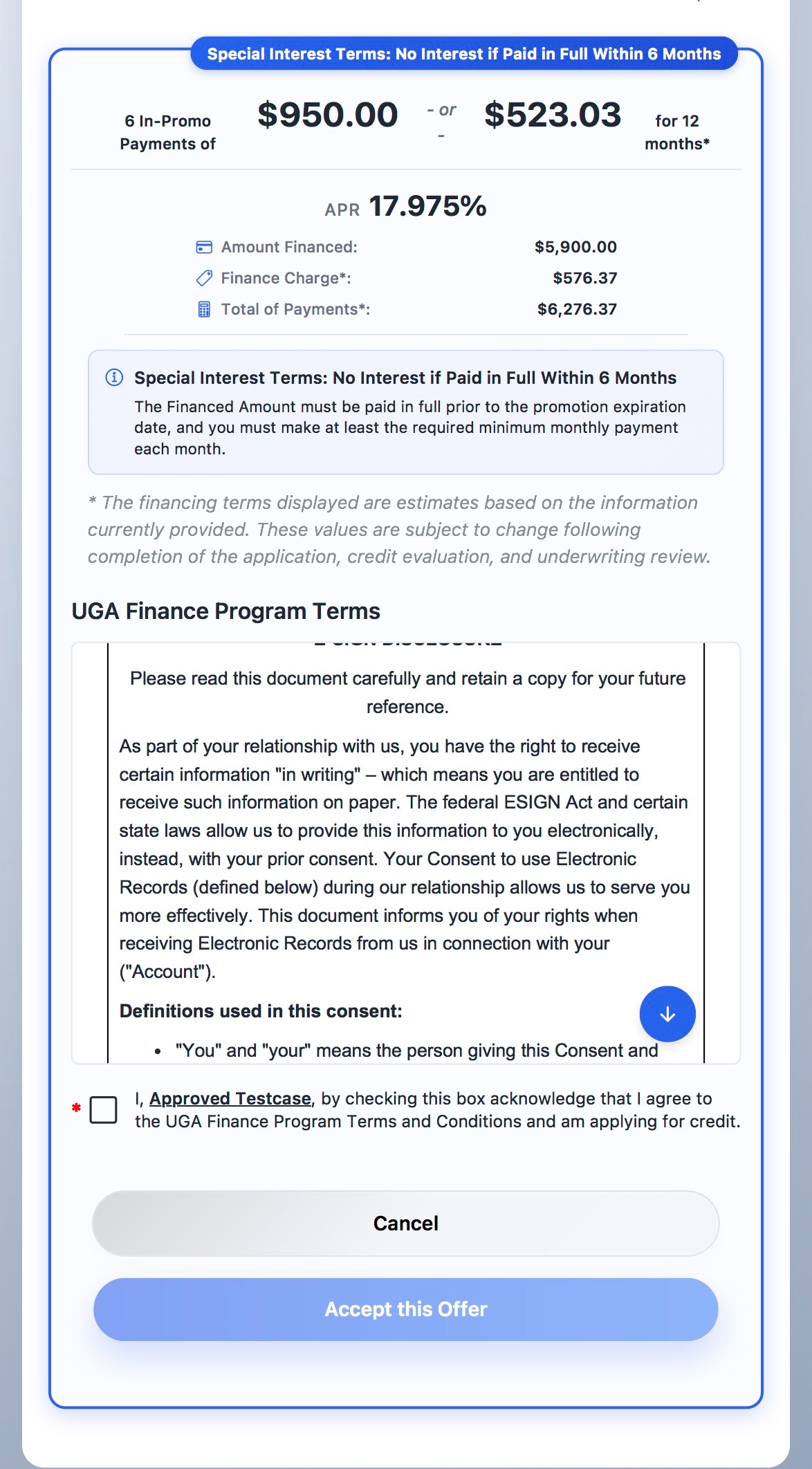
3. Offers
Approval & Offers | Offer Selection |
|---|---|
|
|
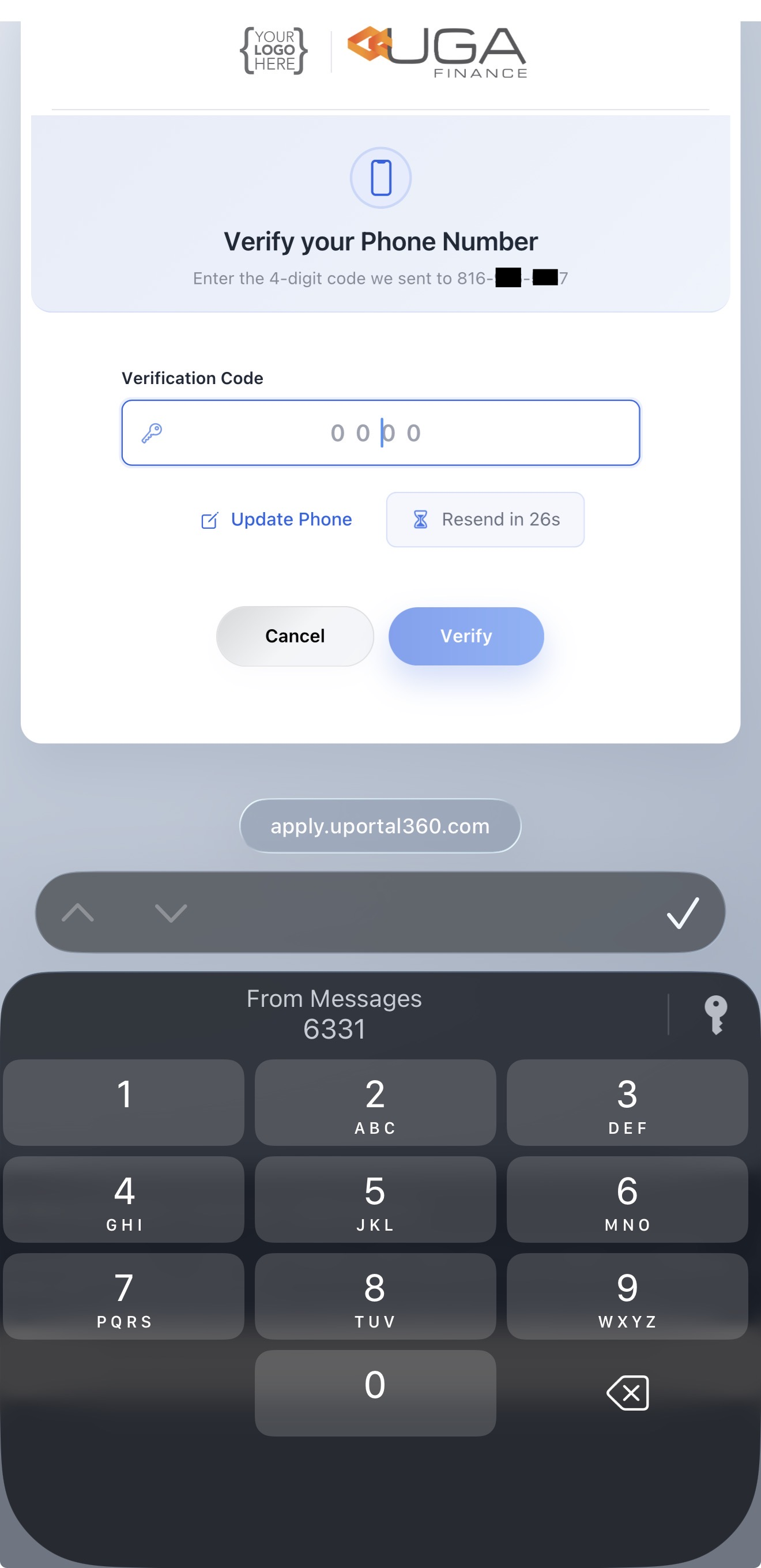
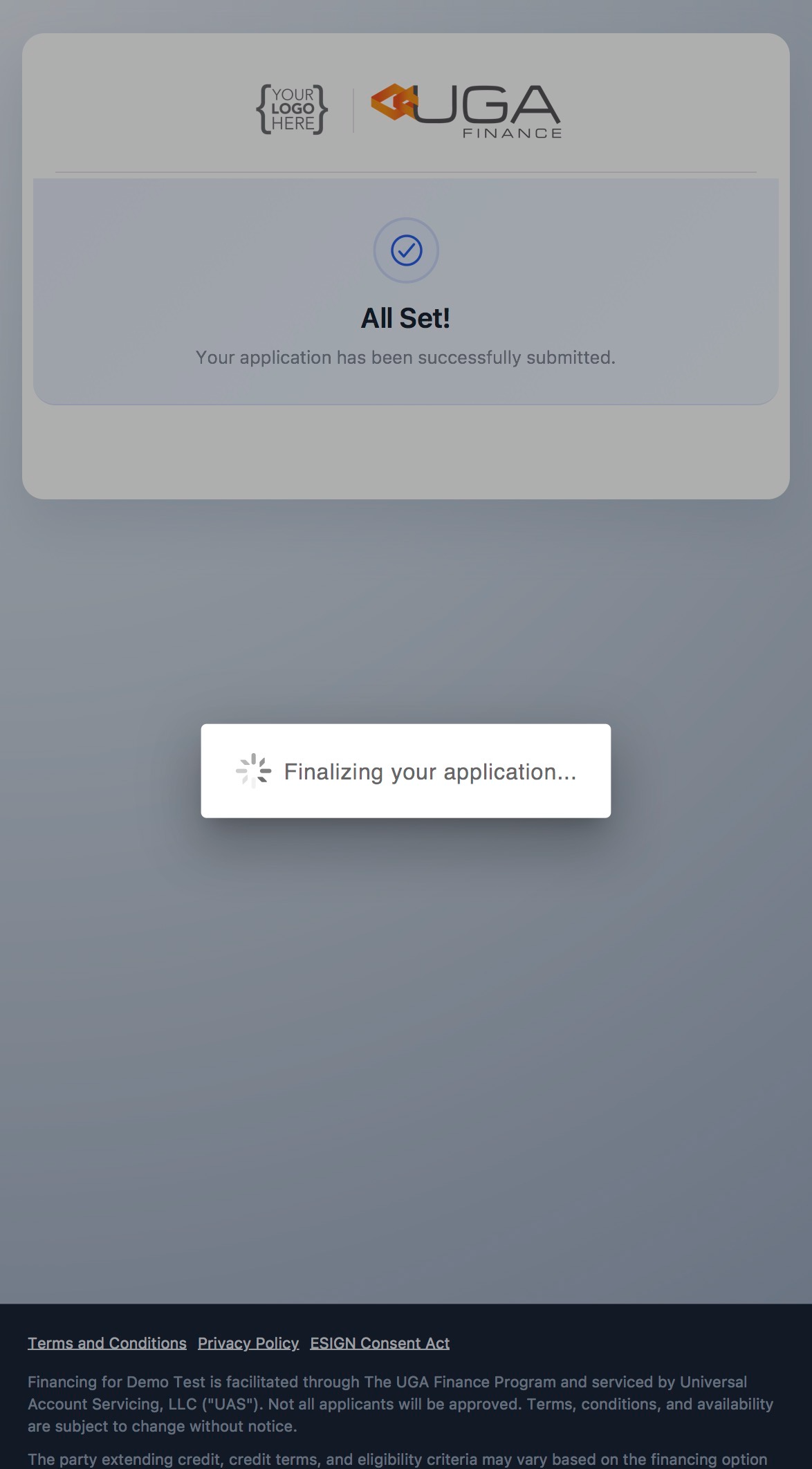
4. Phone Verification
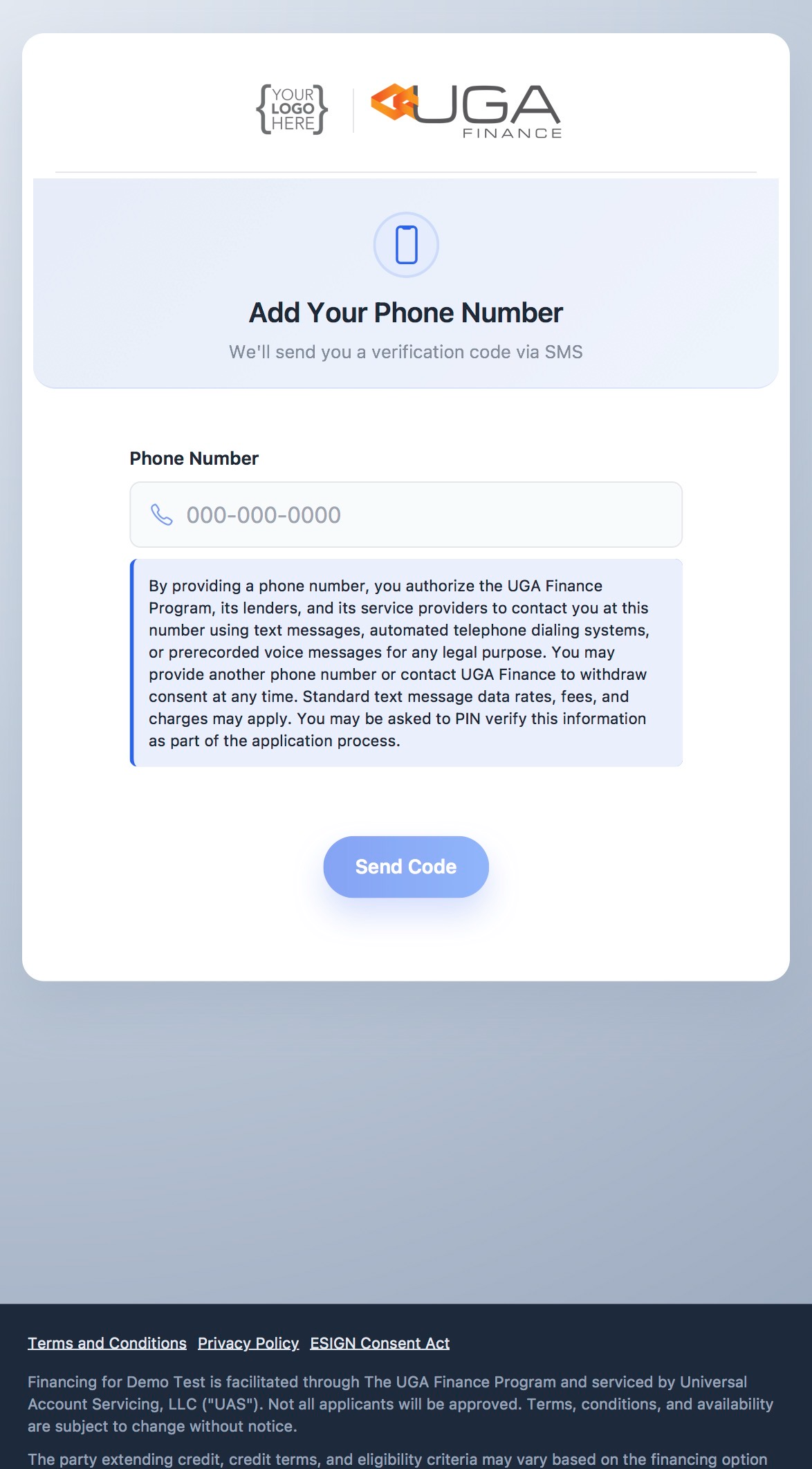
Enter Phone Number | Verify the Code | Finalize the Application | Approved |
|---|---|---|---|
|
|
|
|
.png)
5. Post Approval Steps
The next steps includes merchants to input the charge details. Once those financing details are updated on the portal, the consumer will be able to go thru the remaining steps. Post Approval Steps