Access via Web
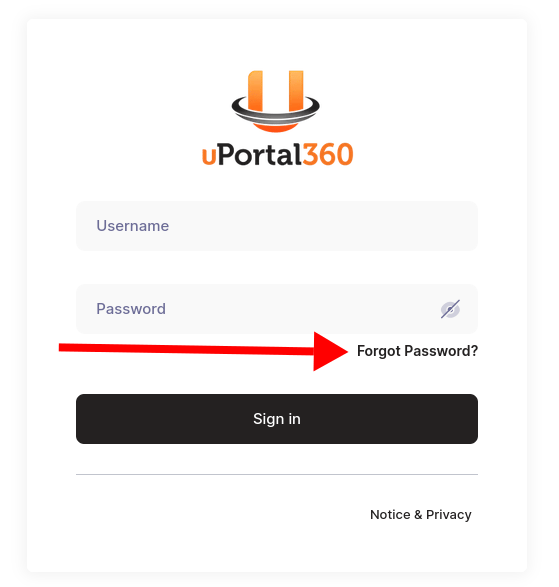
Our website is the easiest and most convenient way to access our SFTP. Using any common browser (Microsoft Edge, Google Chrome, Safari, or Firefox), navigate to the URL listed below. You’ll be prompted to enter the username and password provided to you by UAS. Once you have entered that information, click the “Sign in” button. You may be prompted to reset your password the first time you log in. URL: https://files.uportal360.com/web/client/login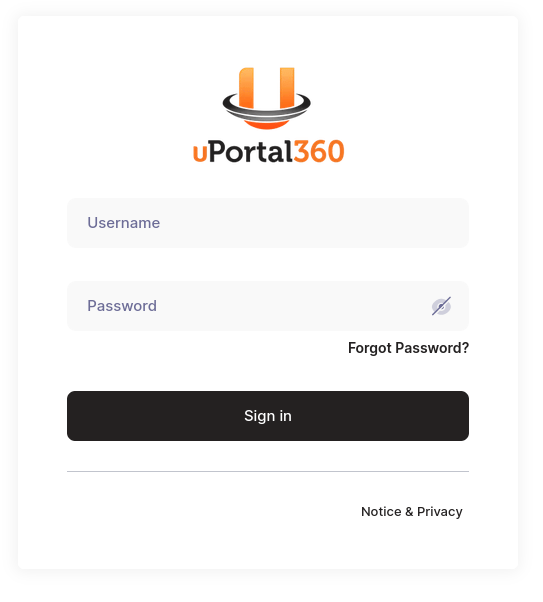
Access via SFTP
Our SFTP may also be accessed via the standardsftp protocol. Generally, our website is the easiest way to access files - only continue with this section if you know you need a dedicated SFTP connection. This is typically for automated connections, or for advanced users.
Advanced Users Notice
We highly recommend using our website to access your files. We ask that you only continue through this section if you are setting up an automated connection, or understand how to use the sftp protocol.
SFTP Protocol Details
SFTP Authorization
You may use either your username and password, or an SSH key for authorization. You can manage your SSH keys online. Not sure how to add an SSH key? See the instructions below.Add an SSH Key
- Sign into https://files.uportal360.com
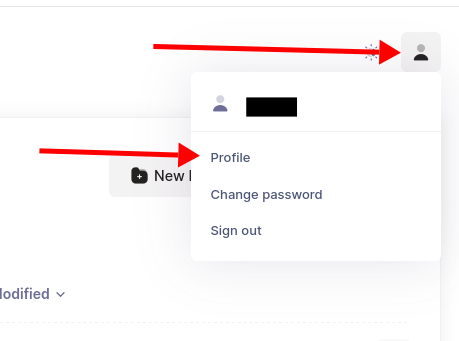
- At the top right corner, hover over the user icon, and select “Profile”
-
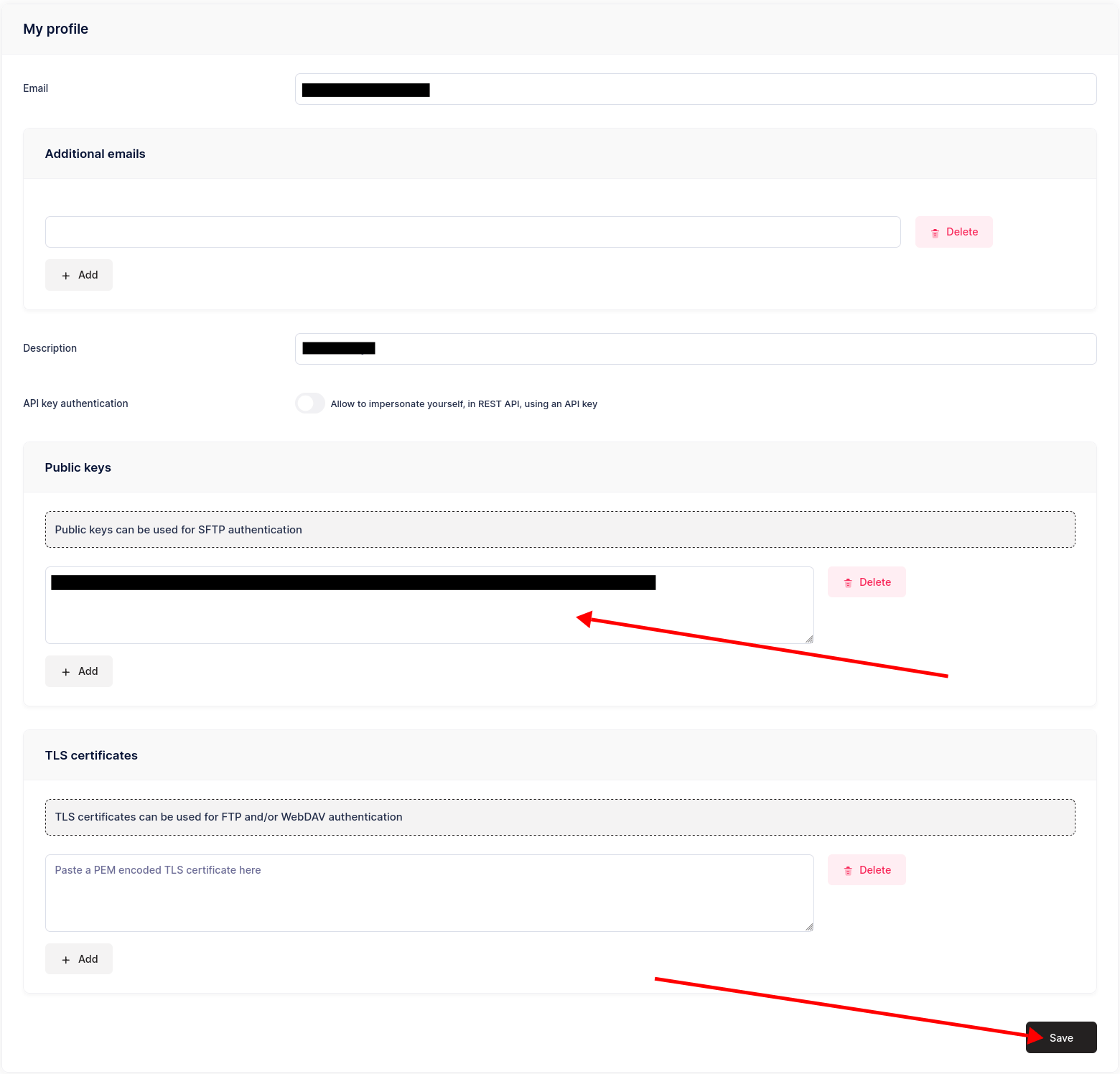
- Paste your SSH public key into the “Public Keys” section, then hit the “Save” button at the bottom-right of the screen
-
SFTP Software
Optionally, you may use a dedicated client to access our SFTP. A common option is FileZilla.Download and Install FileZilla
FileZilla Software Download Website Instructions on how to Install FileZilla: FileZilla Installation InstructionsUsing FileZilla Site Manager
If you use FileZilla, we recommend that you use its Site Manager feature to load our SFTP server as a favorite. FileZilla Site Manager Tutorial Sample of Site Manager setup for our sFTP Server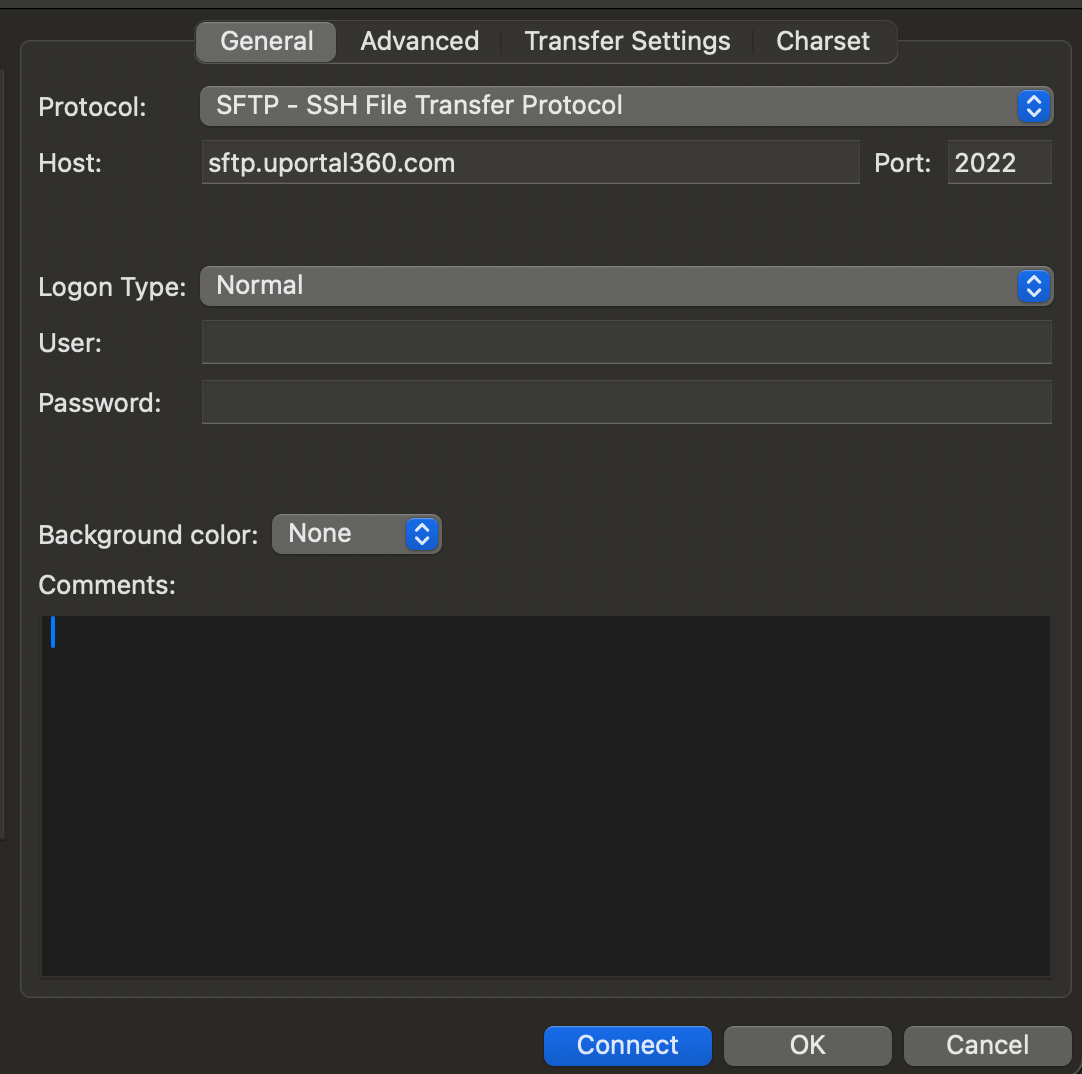
Test your connection.
MacOS Terminal:nc -vz sftp.uportal360.com 2022
If successful, then you will see: Connection to sftp.uportal360.com port 2022 [tcp/down] succeeded!*
Windows PowerShell: Test-NetConnection sftp.uportal360.com -Port 2022
SFTP FAQs
What is SFTP?
SFTP stands for “SSH File Transfer Protocol” or “Secure File Transfer Protocol” - it is a standardized interface for remote file operations. It allows users to manage and share files on a remote server.I forgot my password
Use the “Forgot Password?” link on the log in page to reset your password via email, or navigate to the following link: URL: https://files.uportal360.com/web/client/forgot-password