Override Purchasing Decision using uPortal360
NOTICE - Increase Line of Credit - Custom ConfigurationThe Increase Line of Credit Feature is only available to certain program types and configurations.
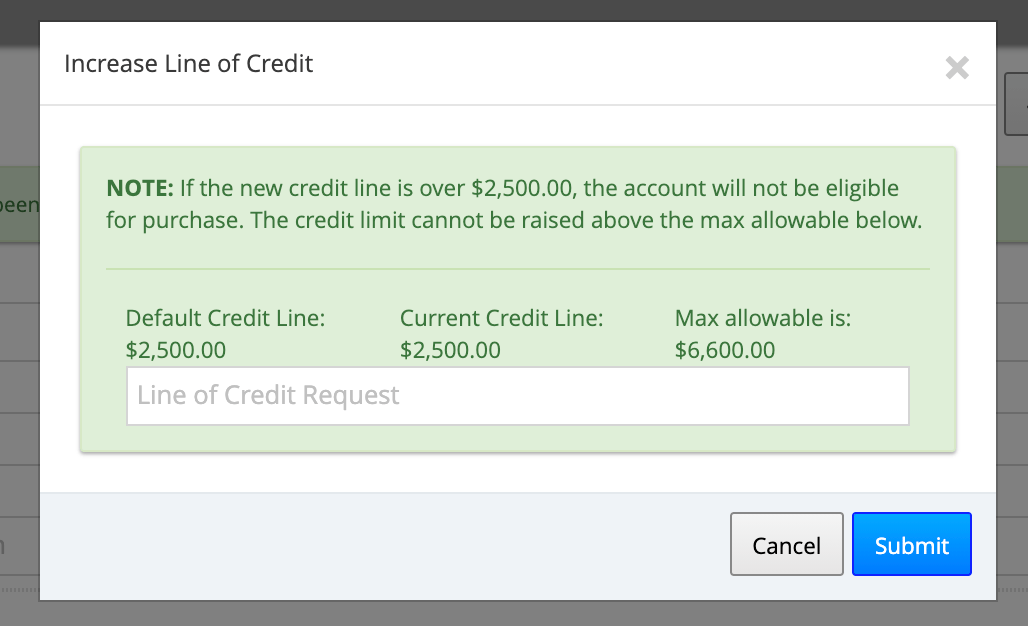
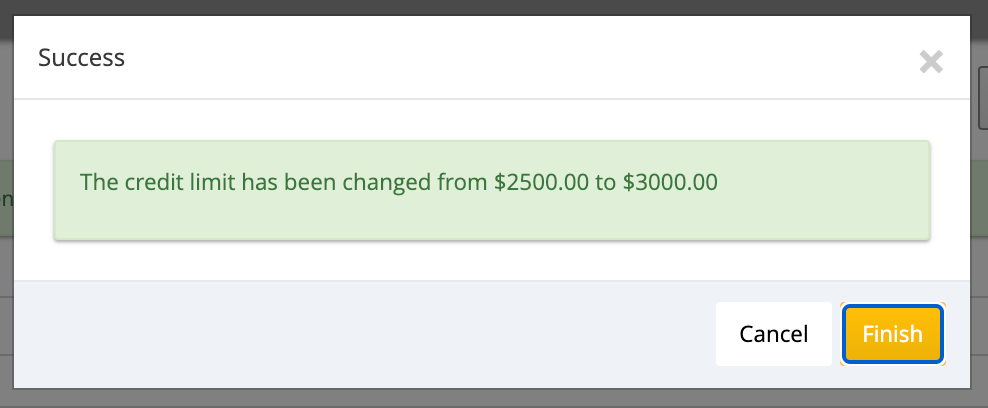
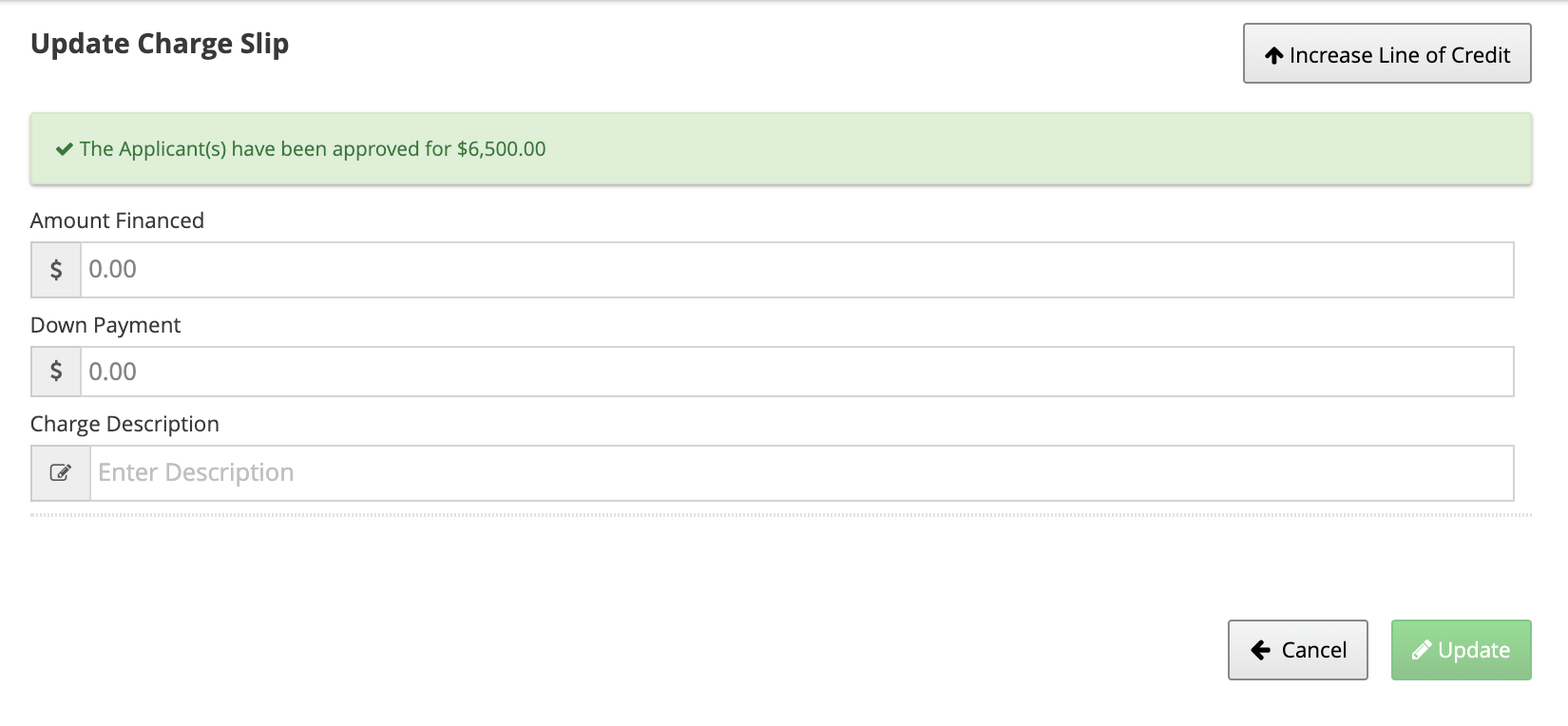
Increase Line of Credit Feature
When an applicant is approved, select Loan Options.
Related Documentation
Full Increase Line of Credit DocumentationHow to Override Purchasing Decision
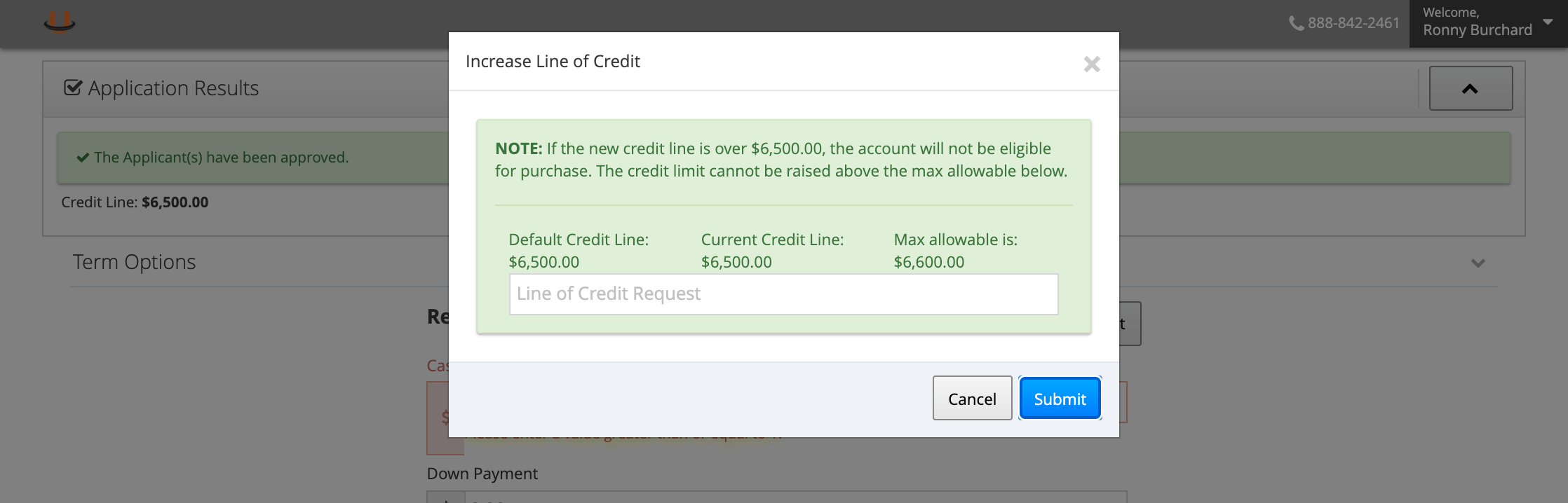
If a “NOTE:” is present in the Increase Line of Credit popup, read the verbiage to see the maximum threshold of credit line that will be purchase eligible. For example, if the NOTE says “If the new credit line is over $2,500.00, the account will not be eligible for purchase. The credit limit cannot be raised above the max allowable below.” In practice, if you were to request a line of credit higher than the amount listed in the “NOTE:” section, the account will no longer be eligible for Purchase and will automatically be decisioned for Servicing.