Standard Decisions
Pending - Consumer Details
Consumer will need to call the number on the screen and use the reference number. Reasons for pending will vary. The consumer may need to provide additional information, or may need to upload documents.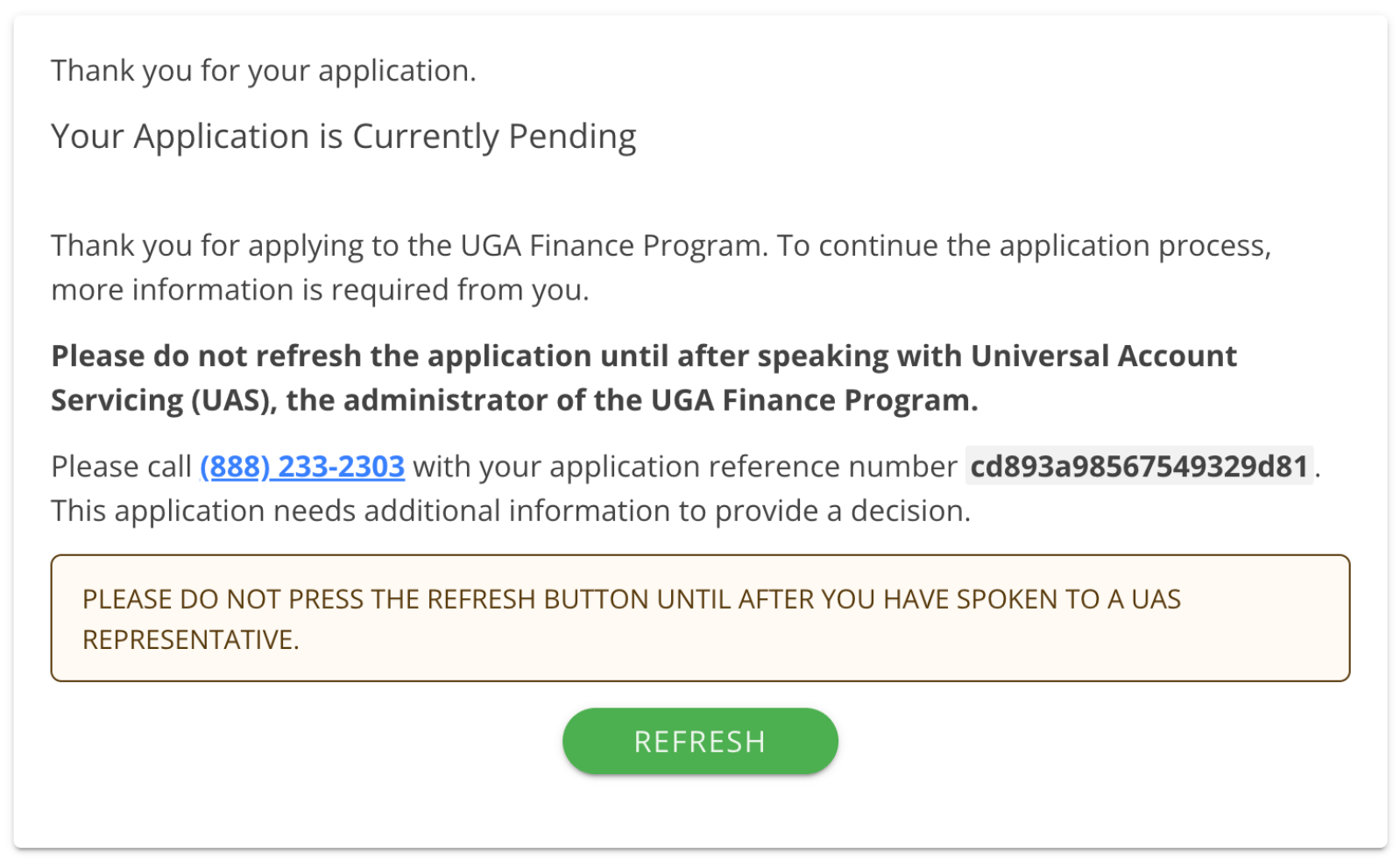
Pending - Merchant Approval
The consumer will complete the application and instantly receive a message that it’s being processed. The Merchant will need to be engaged to resolve the pending status and finalize the financing details. The consumer application will appear in the To Do Queue in uPortal360 with a Pending status, until you move it forward to an Approved status.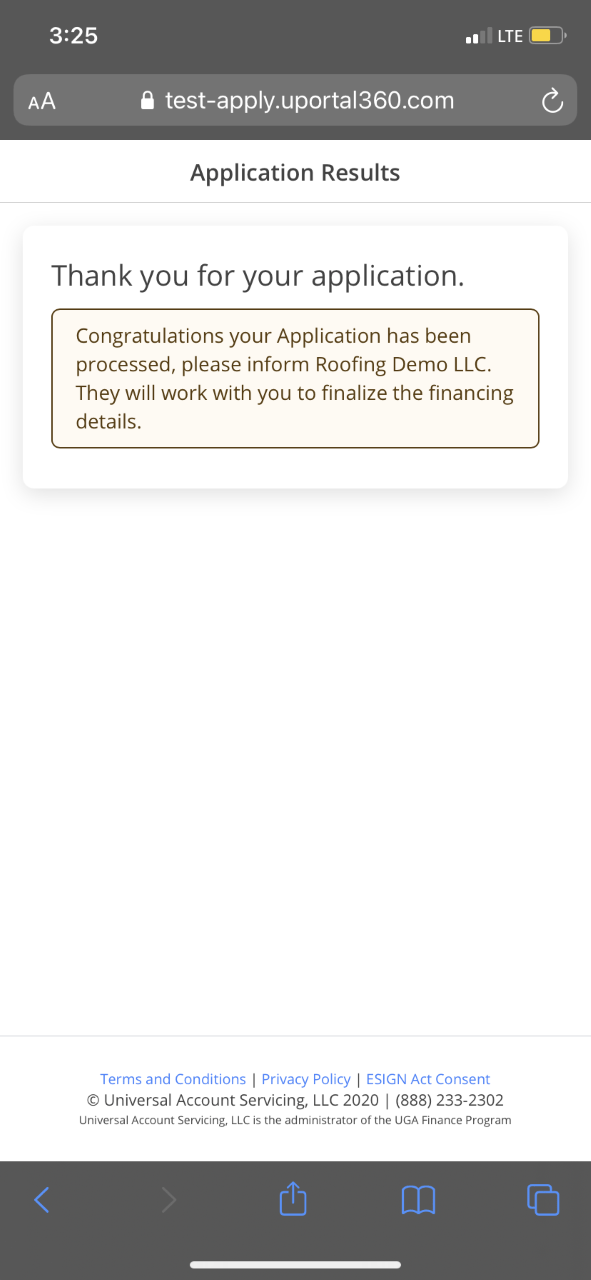
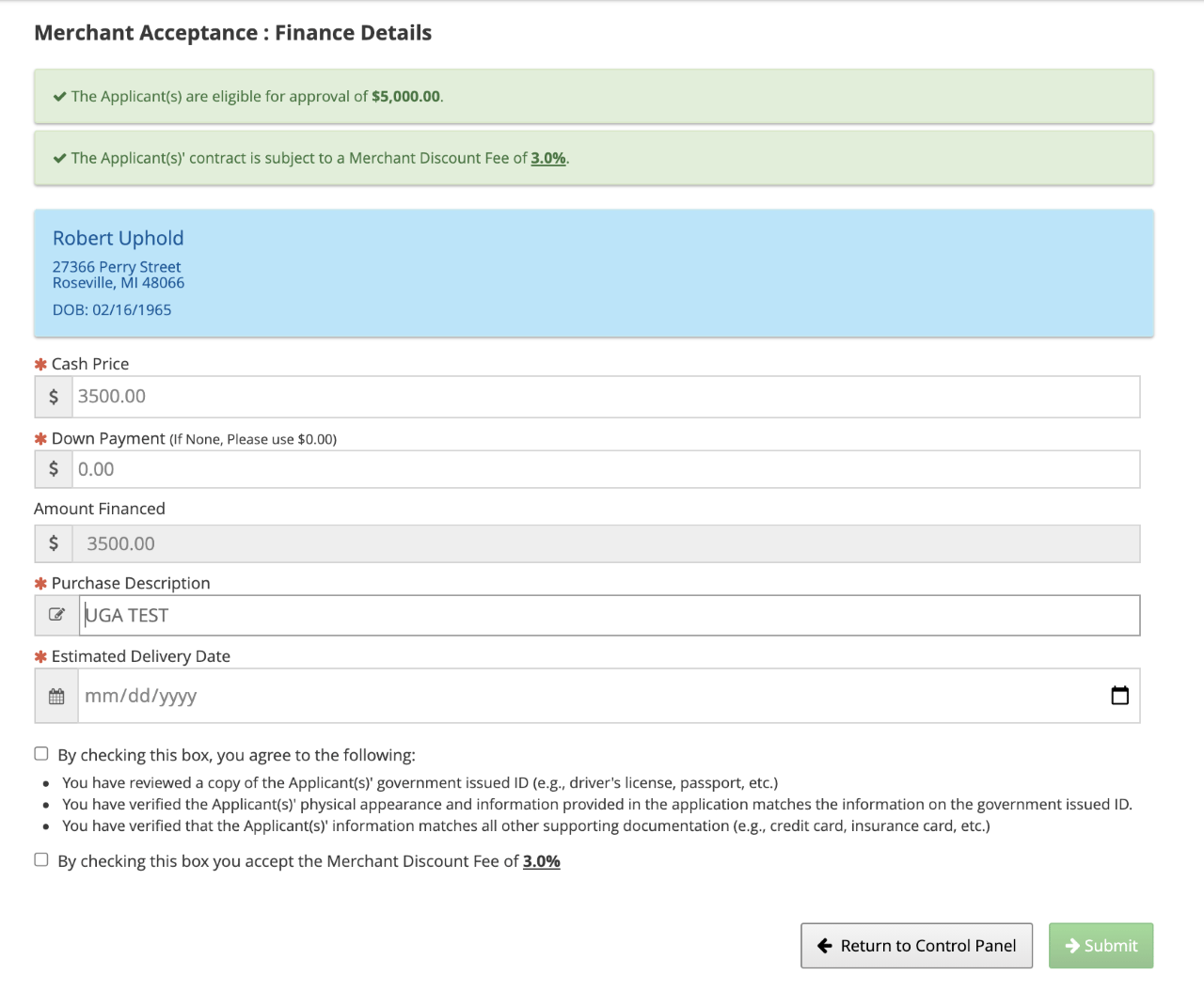
Approved Servicing or Purchasing Eligible
If your Finance Program has servicing enabled, you likely have a mix of purchasing and servicing. In our Merchant interface, more details about the Application Results are available.Approved and Meets criteria for Purchasing
Approved and meets the criteria for purchasing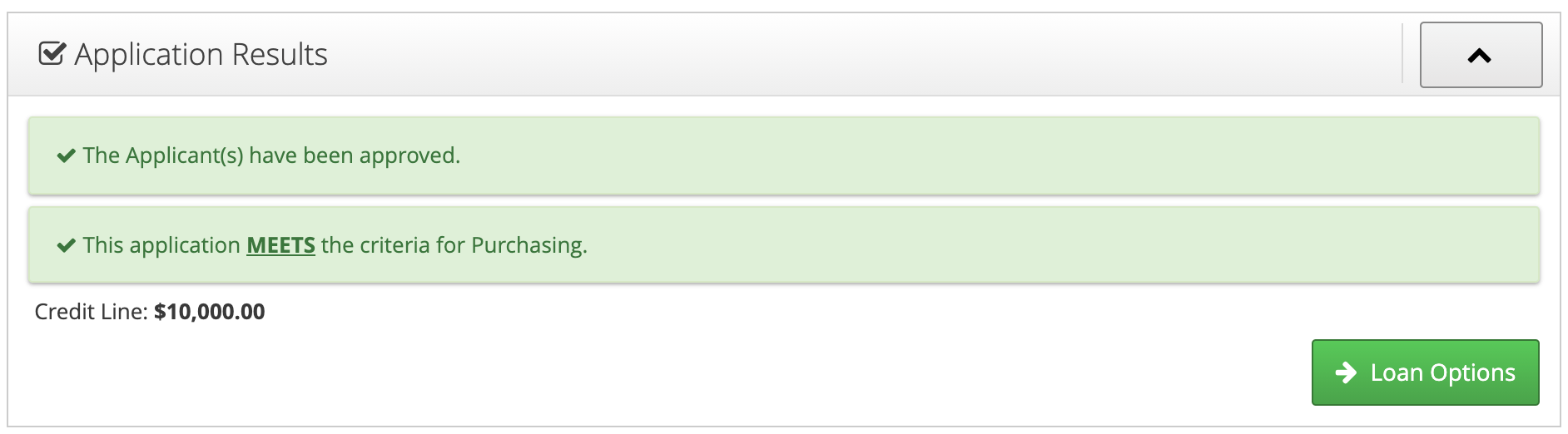
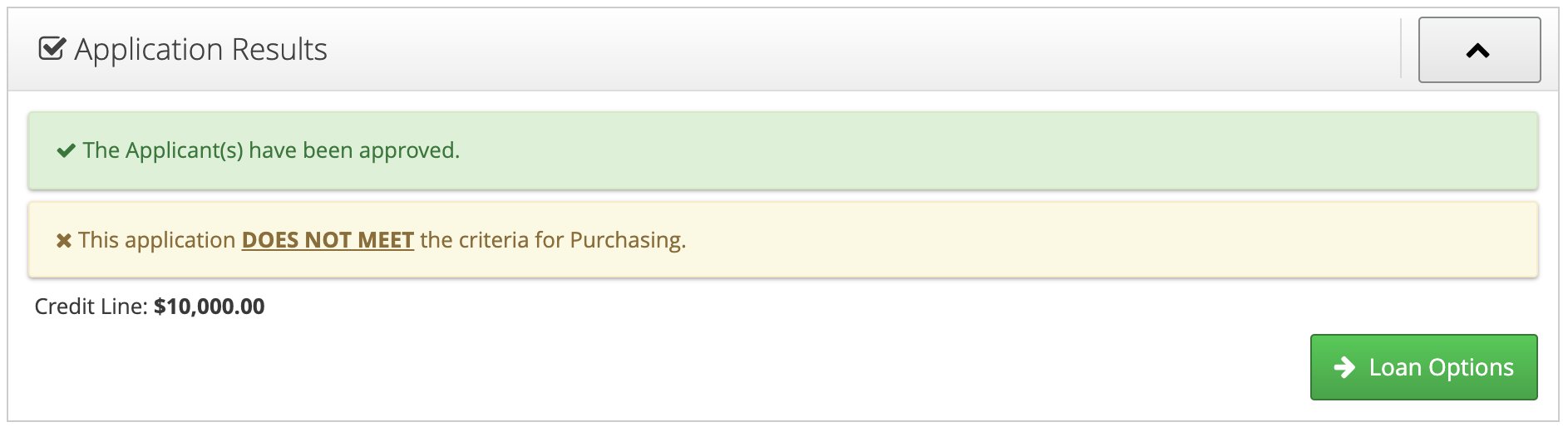
Approved and Does NOT Meet criteria for Purchasing
This screen shows you the consumer was approved by your Finance Program but didn’t meet the criteria for purchasing at the time of origination. This contract could be purchased later as part of a “flip” from billing or also known as Billing to Purchase program.