Send Link to Start Credit Applications
You can use the merchant portal to send credit applications to consumers via Email or text (SMS).You must be using the Direct-to-Consumer Apply Interface for this feature
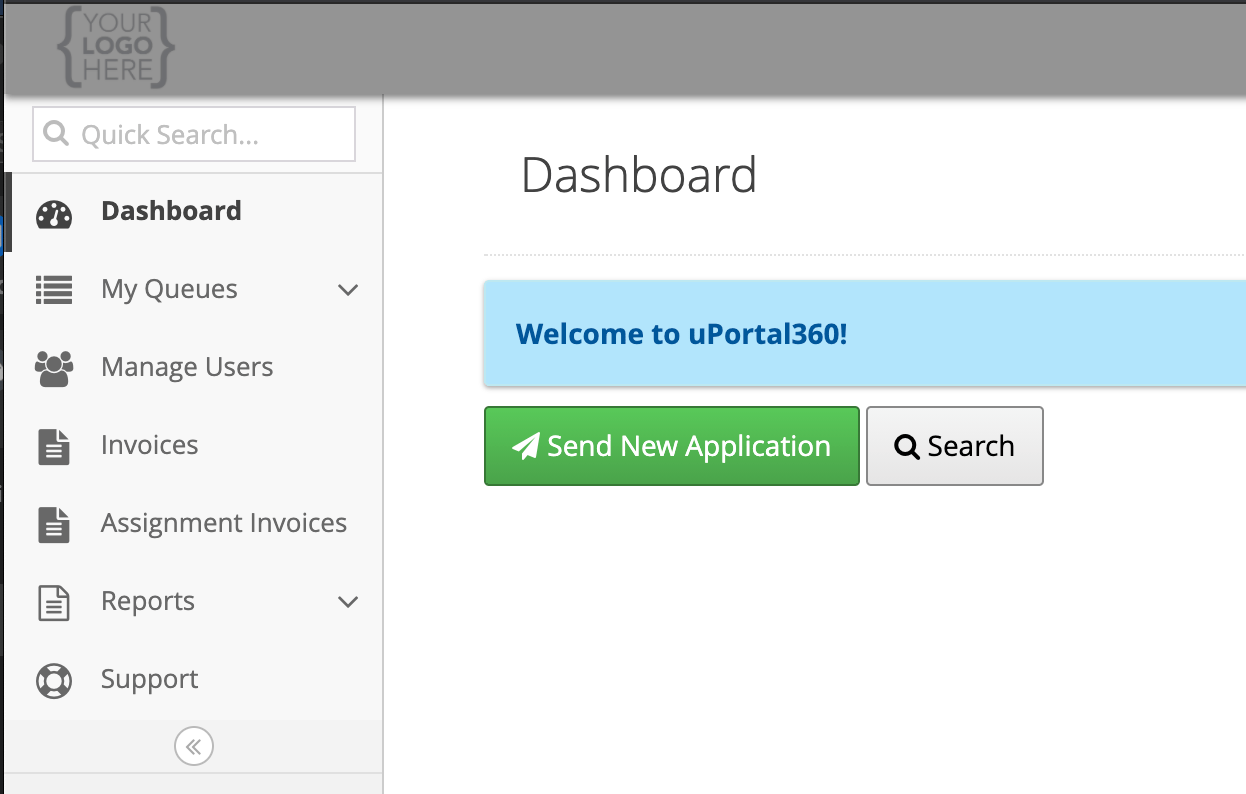
Send New Application. Click this button to start the process.
Filling out Required Fields
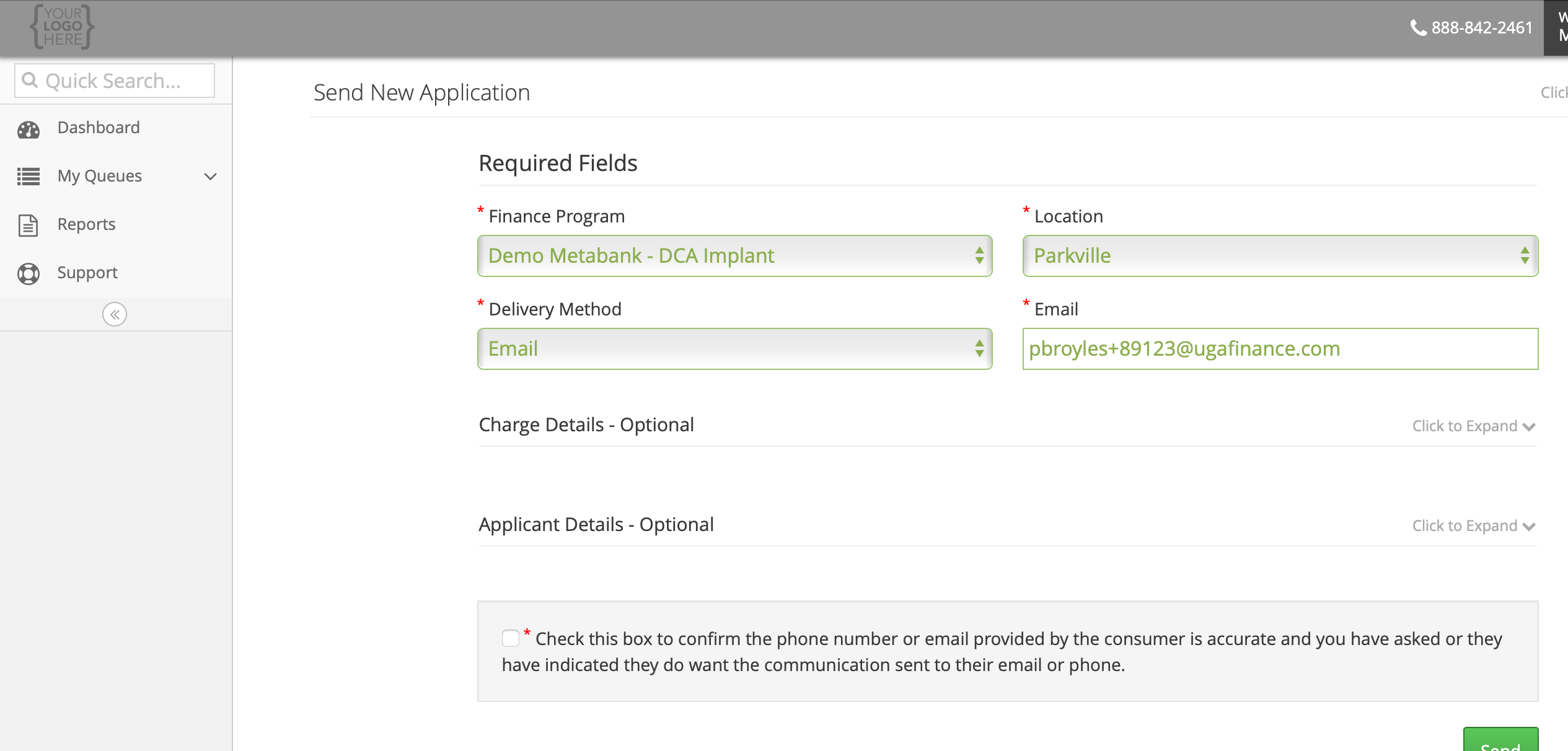
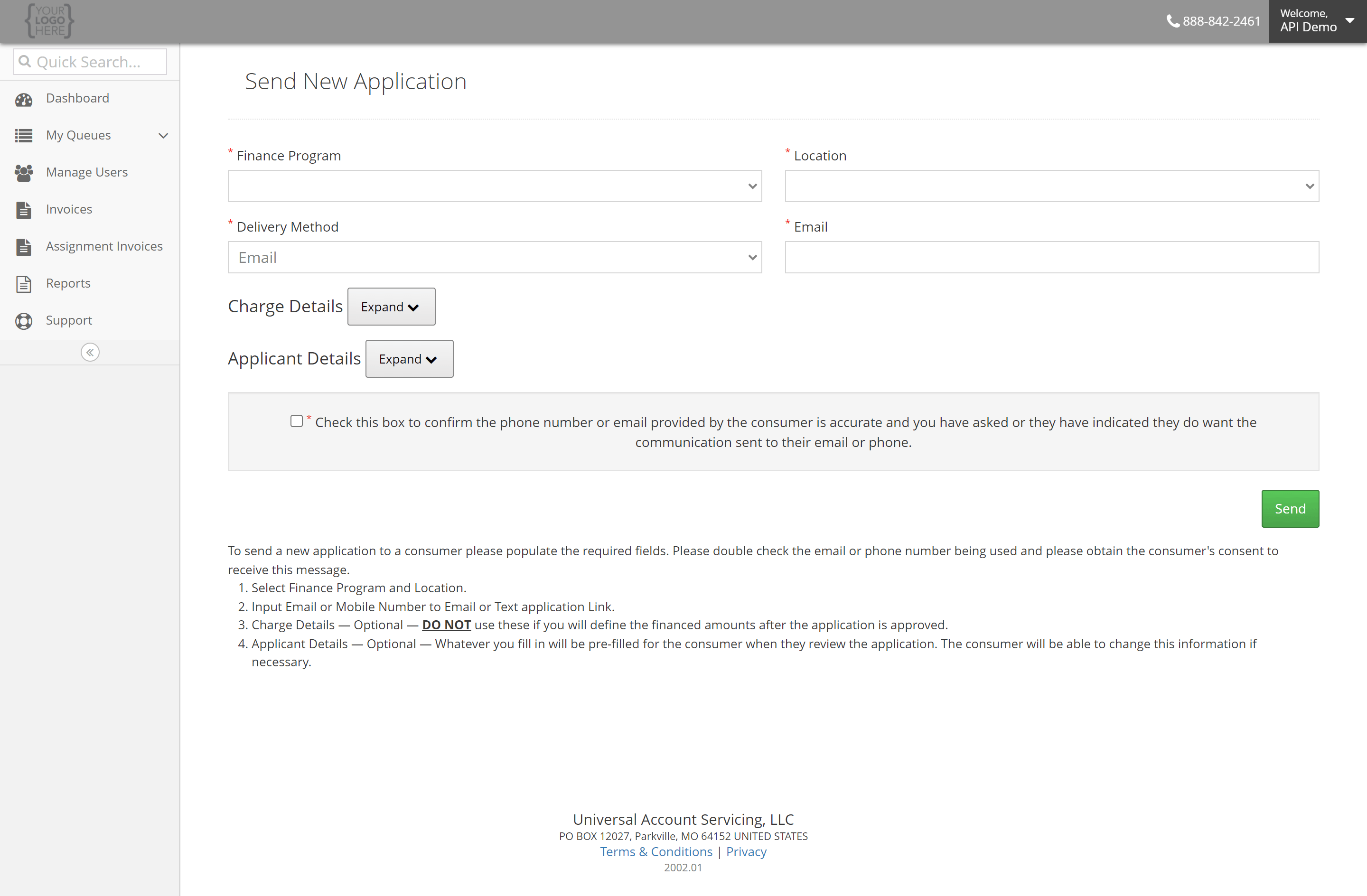
All applications require a Finance Program, Location, and Delivery Method.
- Finance Program
- The Finance Program for which this application is being created.
- If there is only one Finance Program, it will be selected by default.
- Location
- The Location for which this application is being created.
- If there is only one location, it will be selected by default.
- Delivery Method
- When the Delivery Method is Email, input the Email that the consumer wishes the application to be delivered to.
- This will also prefill the Consumer’s Email.
- When the Delivery Method is Phone, input the phone number that the consumer wishes the application to be delivered to.
- This will also prefill the consumer’s phone number.
- The consumer’s Phone Type will default to Mobile.
- When the Delivery Method is Email, input the Email that the consumer wishes the application to be delivered to.
Filling out Optional Fields
Charge Details and Applicant Details may be optionally entered before sending the application to the consumer.Charge Details
If the Charge Details are known, they may be entered.
- Cash Price
- Down Payment
- Description
Applicant Details
If the Applicant Details are known, they may be entered. Once the consumer receives the application, they will be able to review and modify these fields before they apply.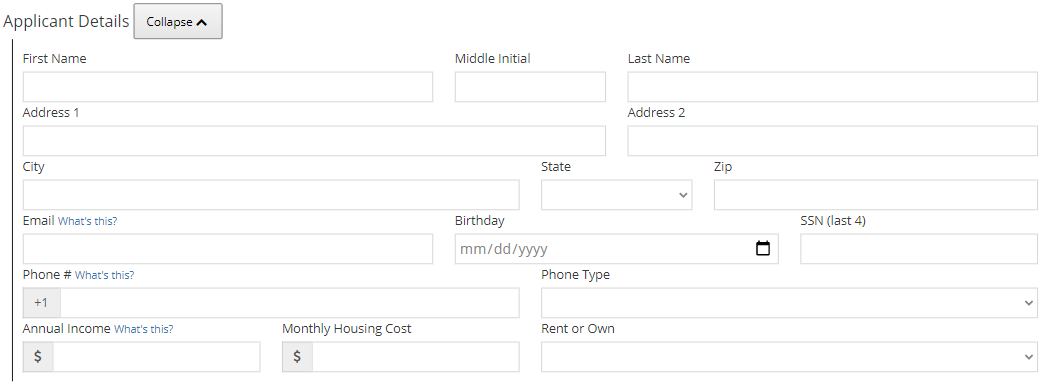
- First Name
- Middle Initial
- Last Name
- Address 1
- Address 2
- City
- State
- Zip
- Email
- If the Delivery Method is Email, this field will match the Delivery Email.
- Birthday
- SSN (last 4)
- Phone #
- If the Delivery Method is Phone, this field will match the Delivery Phone.
- Phone Type
- If the Delivery Method is Phone, this field will default to Mobile.
- Annual Income
- Monthly Housing Cost
- Rent or Own
Submit the Form
Upon form submission, a credit application will be created and delivered to the consumer via the specified Delivery Method.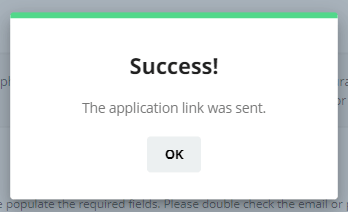
Delivering a Text (SMS)
The consumer will receive a text with your company name and a short URL link. They may tap on the link to start the credit application process.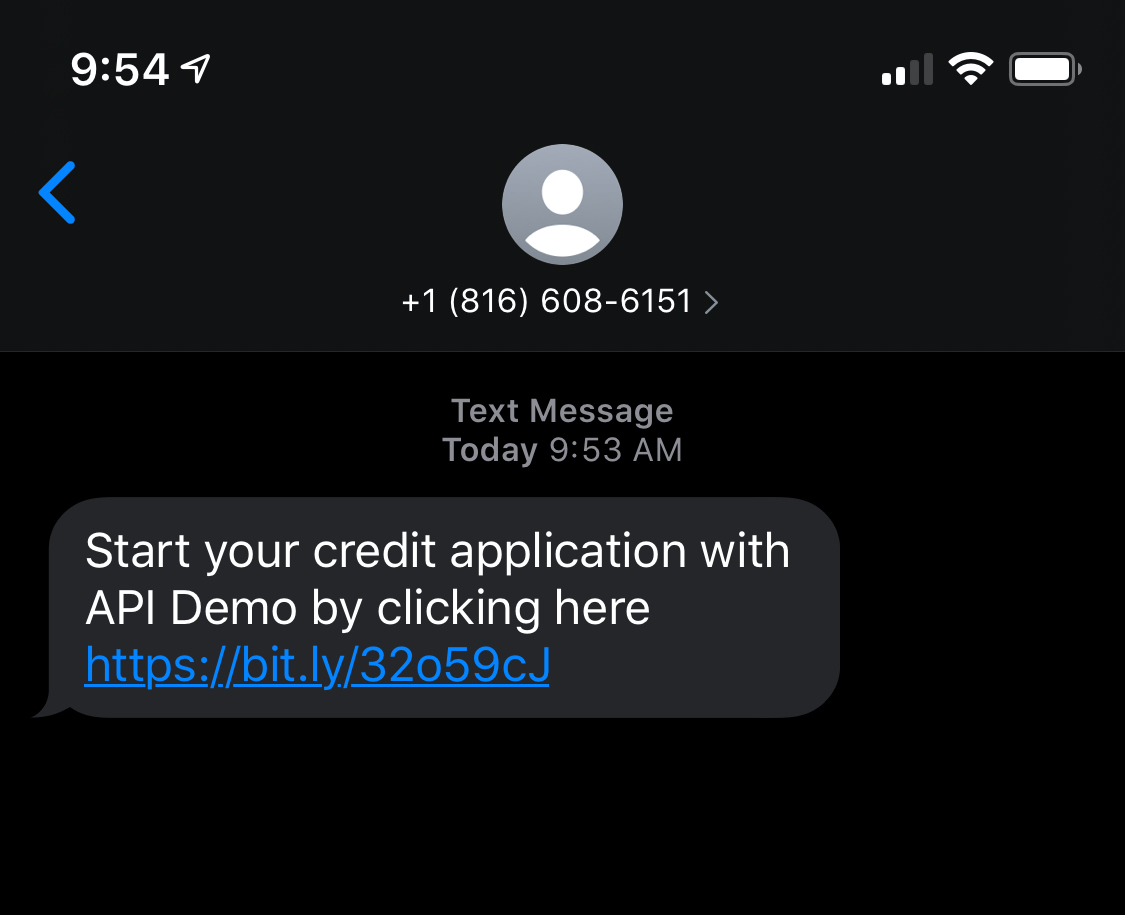
Delivering an Email
Your consumer will receive an email with your company name and a short URL link. They may click on the link to start the credit application process.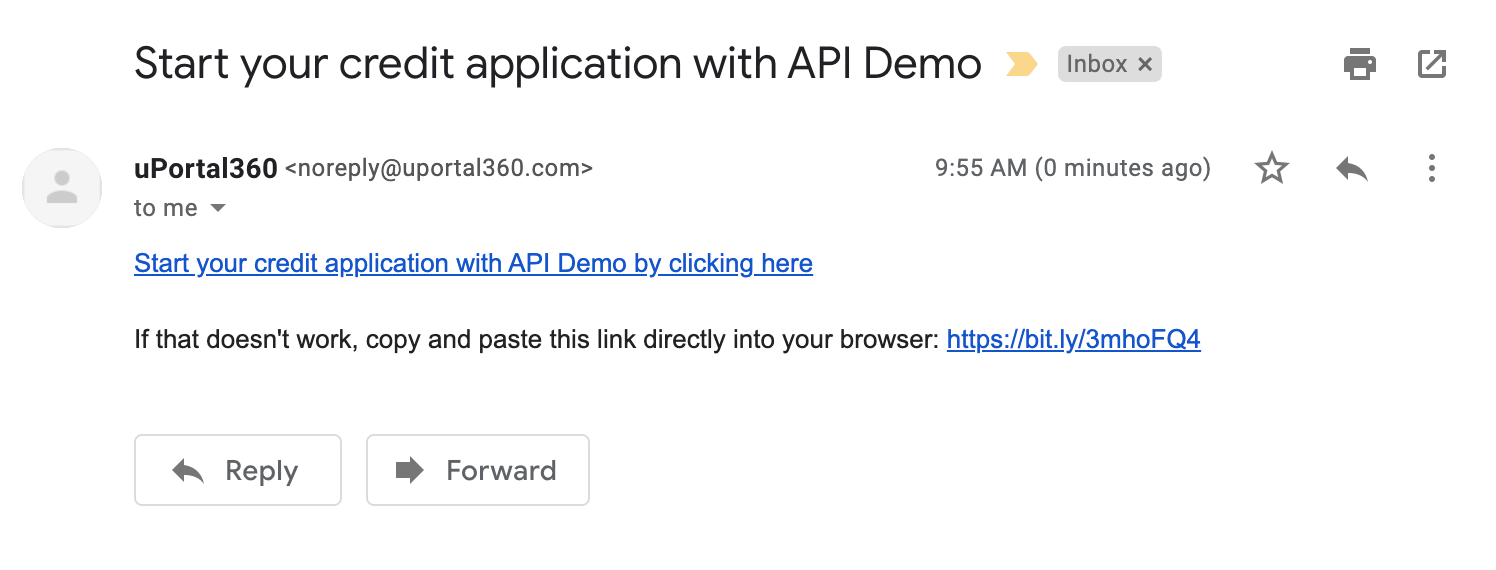
Email ConfirmationEmail delivery is not known immediately by the software. Please make sure you confirm with the consumer they received the Email. Also, email servers will sometimes put items into junk folders or organize them as promotions.
Start from Apply Interface
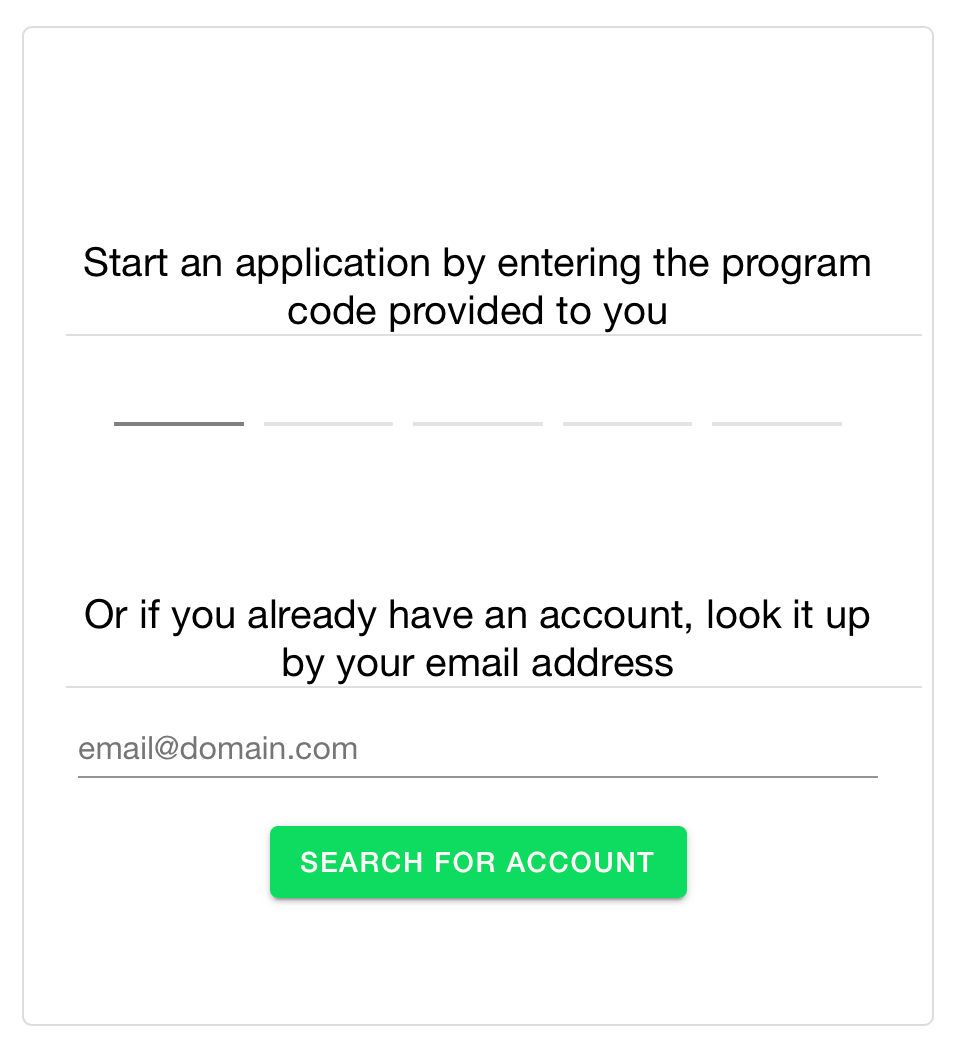
If, for some reason, there is an issue with the Email or text delivery, you can always tell a consumer how to access the credit application process.- Go to https://apply.uportal360.com/
- Send the Consumer the QR Code
- Ask the Consumer to type in the 5 Character Program Code -
Start an application by entering the program code provided to you- Your Program Code is provided to you by uSupport.
Communication Consent
Communication Consent should be considered before sending the Credit Application. Merchants are trained to obtain consent from the consumer. The User Screen is there as a reminder and as a confirmation.