

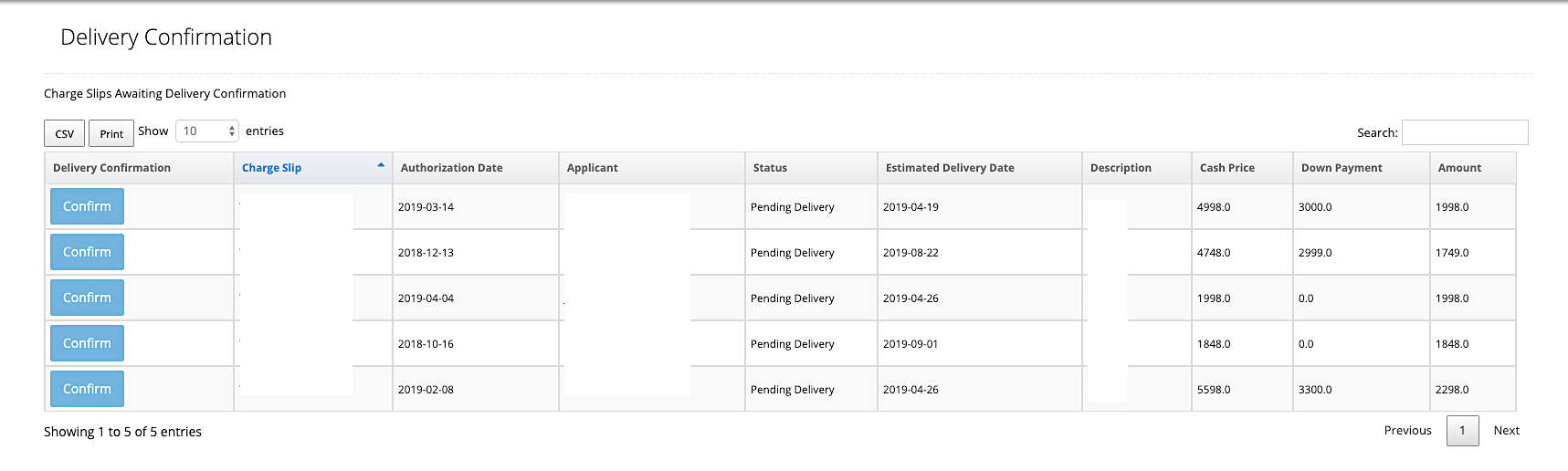
Steps to Confirm Delivery
1, Go to uPortal360 2. Under Dashboard, click on My Queues, then Delivery Confirmation 3. Locate the contract, and click on Confirm Delivery 4. Enter any confirmation details, if needed. 5. If dates of delivery date needs to be updated, click on Edit Delivery Date This will confirm delivery of the customer’s service and the contract status will change to active.Types of Delivery Confirmation Offered
Within uPortal360, we offer three variations through our Delivery Confirmation Queue.Future Delivery Date
This option allows the user to quickly select Confirm to confirm delivery on this account. Once this is clicked, the applicant’s account has been confirmed, and the account is active.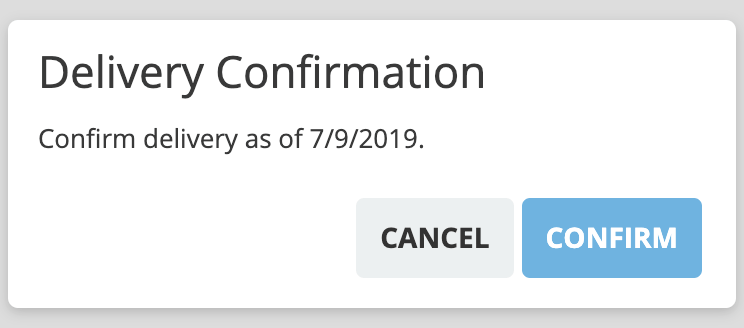
Future Delivery with Membership Number
If confirmation is pending delivery of a tangible good or service, this option is used to input the tracking number to confirm delivery of the item.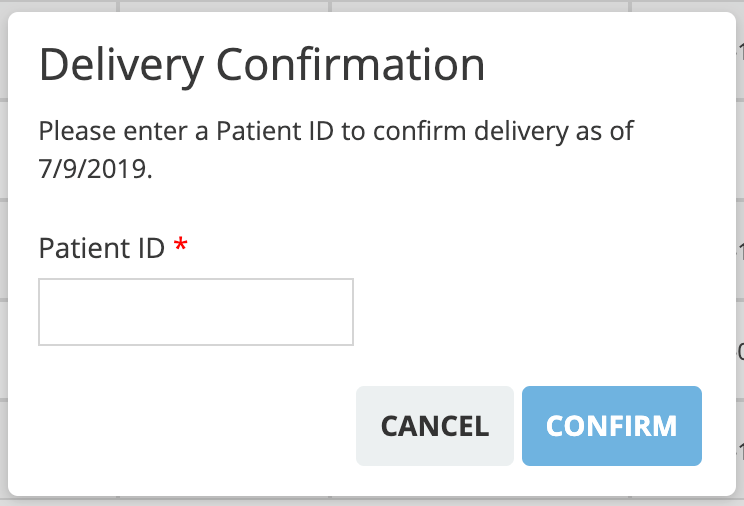
Shipment Tracking Number
Using a membership or patient number allows you to verify the consumer and confirm the delivery in one step. This option will auto-populate the date once the membership or patient number has been entered and you click Confirm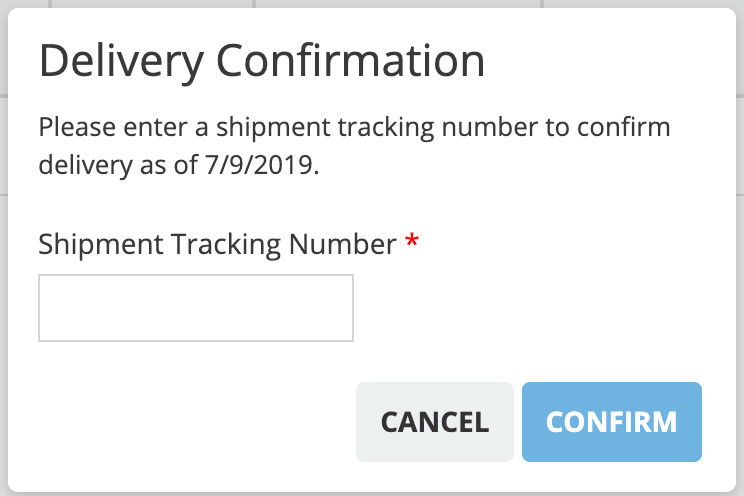
Void a Charge Slip That Is Pending Delivery
If a charge slip is still in Pending Delivery status, you have the option to void the charge slip prior to the account becoming active. Follow the steps below to learn how to void a charge slip in this status.- Go to Delivery Confirmation Queue
-
Click the Charge Slip hyperlink associated with the contact you would like to void

- You will be redirected to the consumer’s account. Click on Charges in the menu on left of the screen
- Next to the charge you wish to void, click Void. A pop-up will appear that this charge has been voided.
Once the charge has been voided, you will be able to enter a new charge with the correct information. *The consumer will need to re-sign for all new charges.
ImportantAgreements that have already been signed and the goods or service have been already been delivered, cannot be voided. Click on this link to learn how to cancel a signed agreement or to refund a purchase.