

To Do Queue
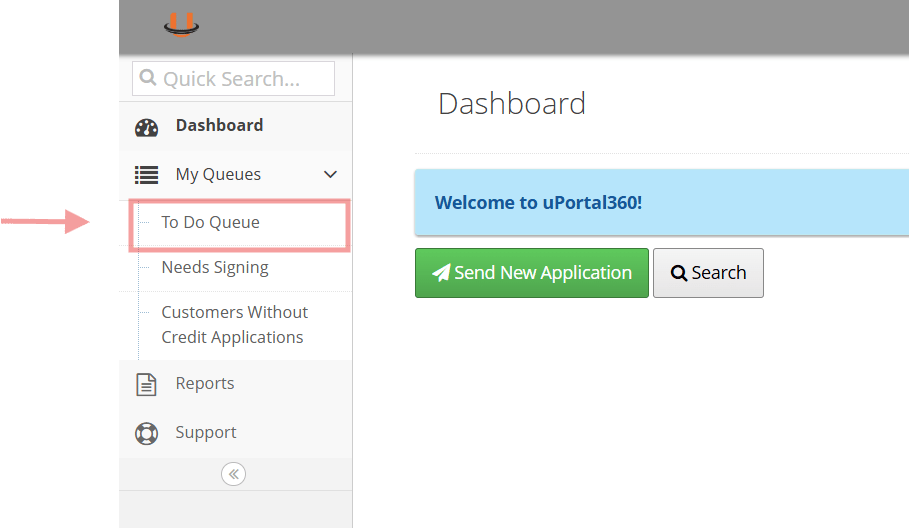
- Log in to the Uportal
- Click To Do Queue
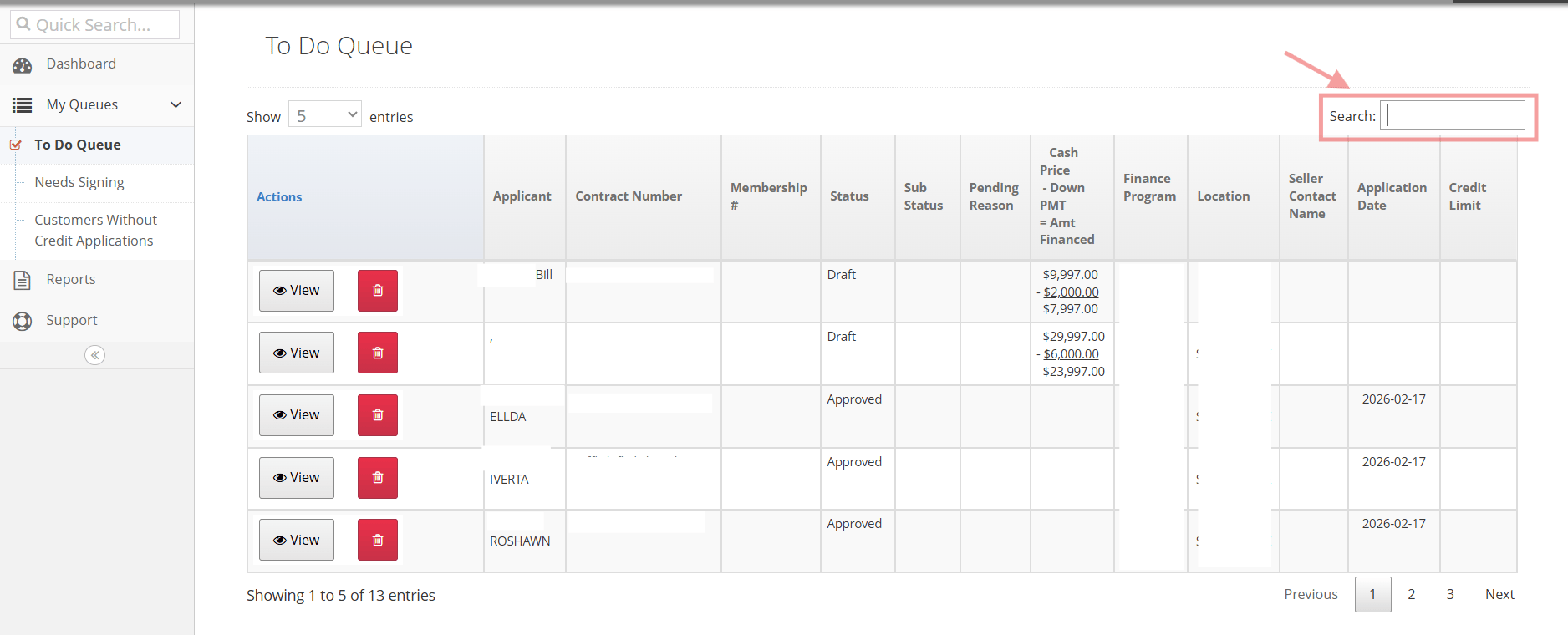
Locate Consumer and Send
- Search for the consumers Name/email/application ID
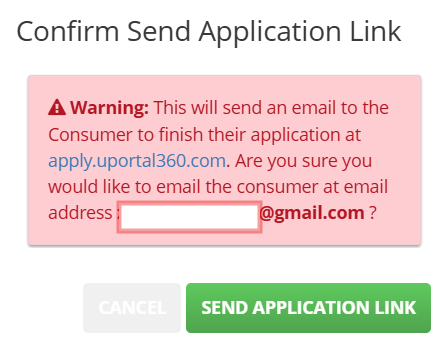
- Confirm and click “Send Application Link”
Screenshots
| 1–2. Open the To Do Queue | 3. Search for the consumer |
|---|---|
 |  |
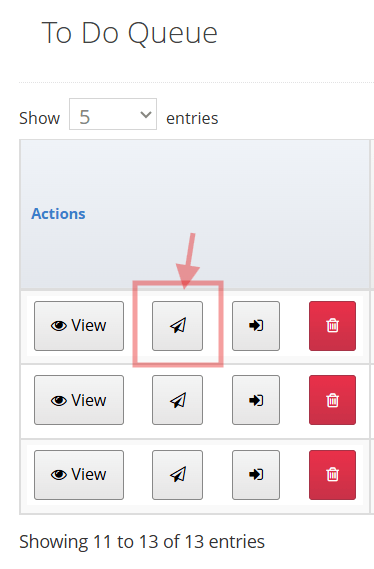
| 4. Click the Paper Arrow button | 5. Send Application Link |
|---|---|
 |  |
Option #2
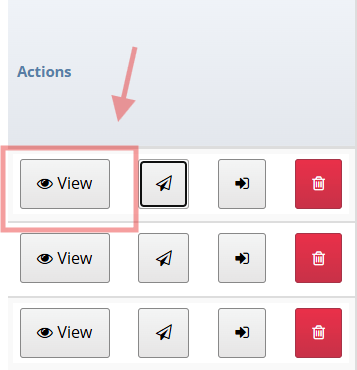
- Locate Consumer and View
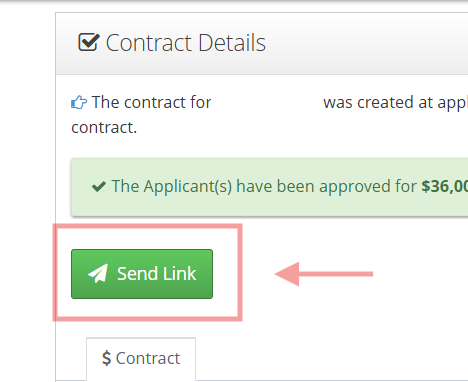
- Click Send Link
| 1. Locate Consumer and View | 2. Click Send Link |
|---|---|
 |  |