- Login into the apply interface portal
- Search the patient by thier email address
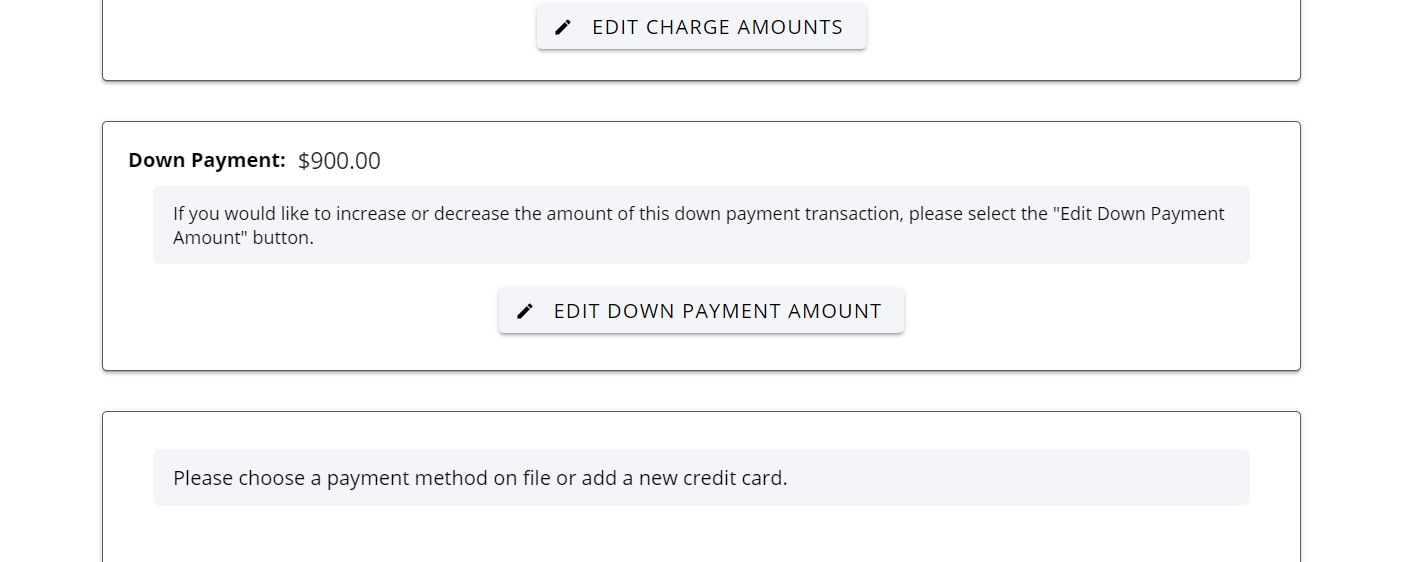
- Down Payment Screen - On the downpayment box click on Edit Down Payment Amount.
- the consumer would need to pay any additional downpayment at the time the downpayment is taken.
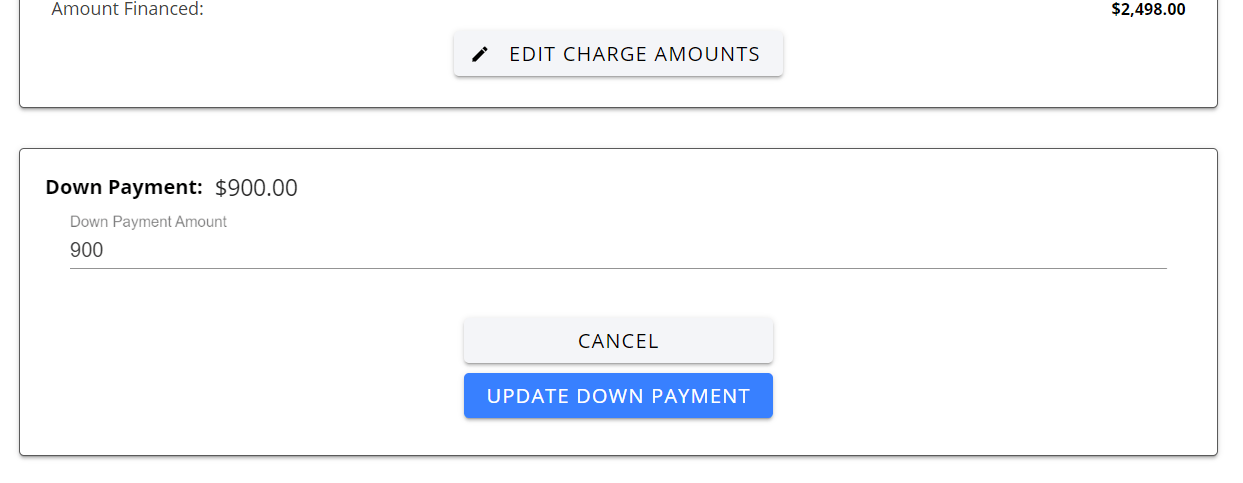
- Then a box will generate with the required down payment amount prefilled in
- Delete the prefilled amount to the amount you would like to increase it to.
- Click the blue button “Update Down Payment Amount”